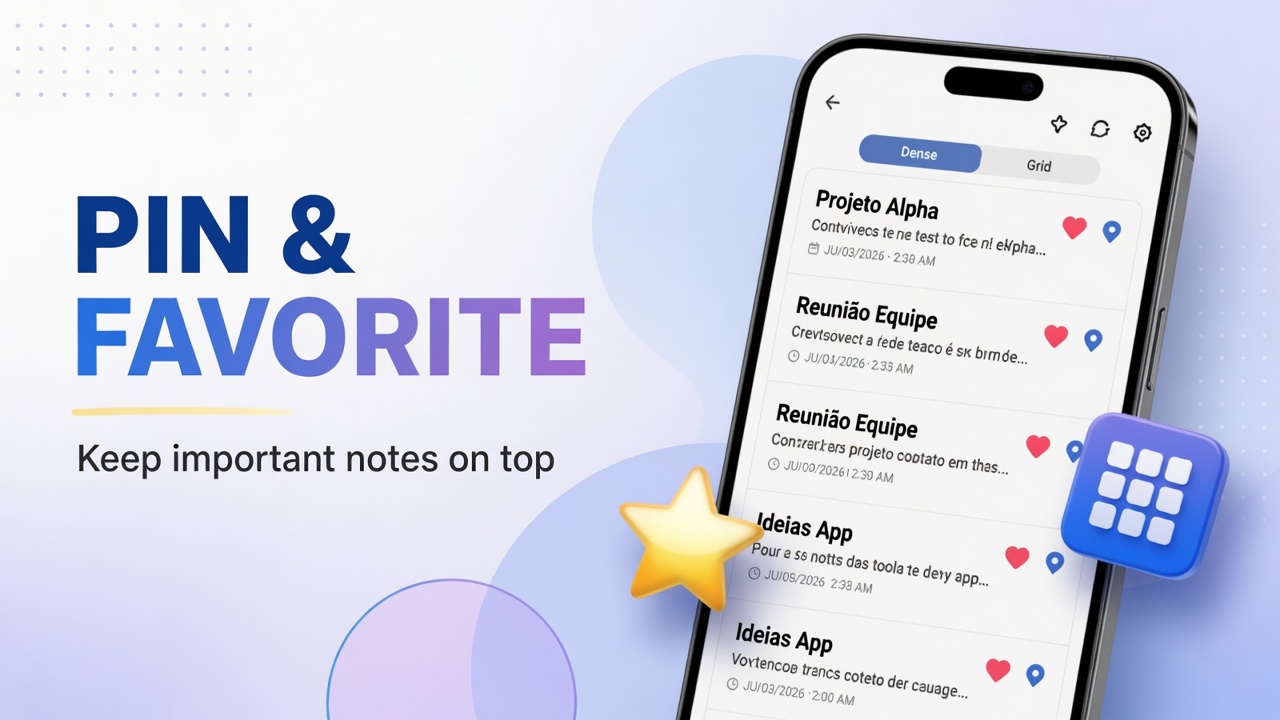
How to favorite, pin and change note layout in DicaNote
Organize the DicaNote list with favorites, pinned notes and Dense, Grid and other display modes.
Organize the DicaNote list with favorites, pinned notes and Dense, Grid and other display modes.
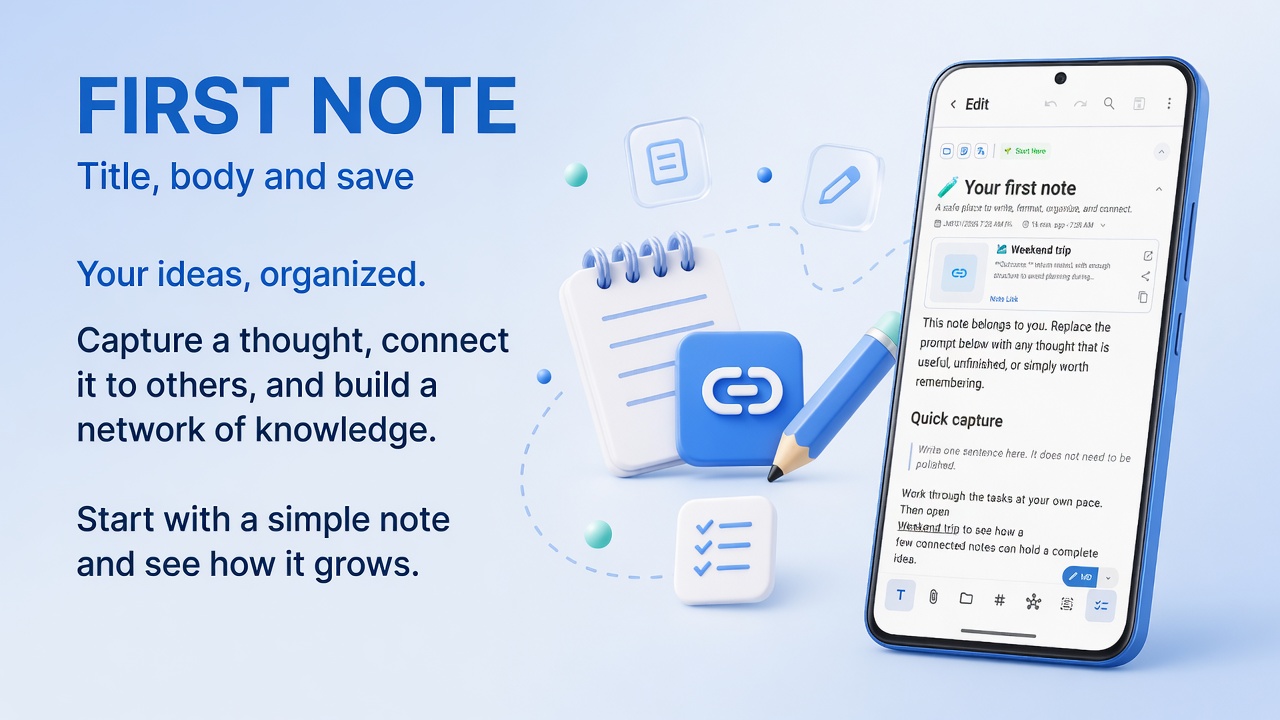
Create, edit and save your first note in DicaNote: title, Markdown, attachments, categories and bottom-bar shortcuts.
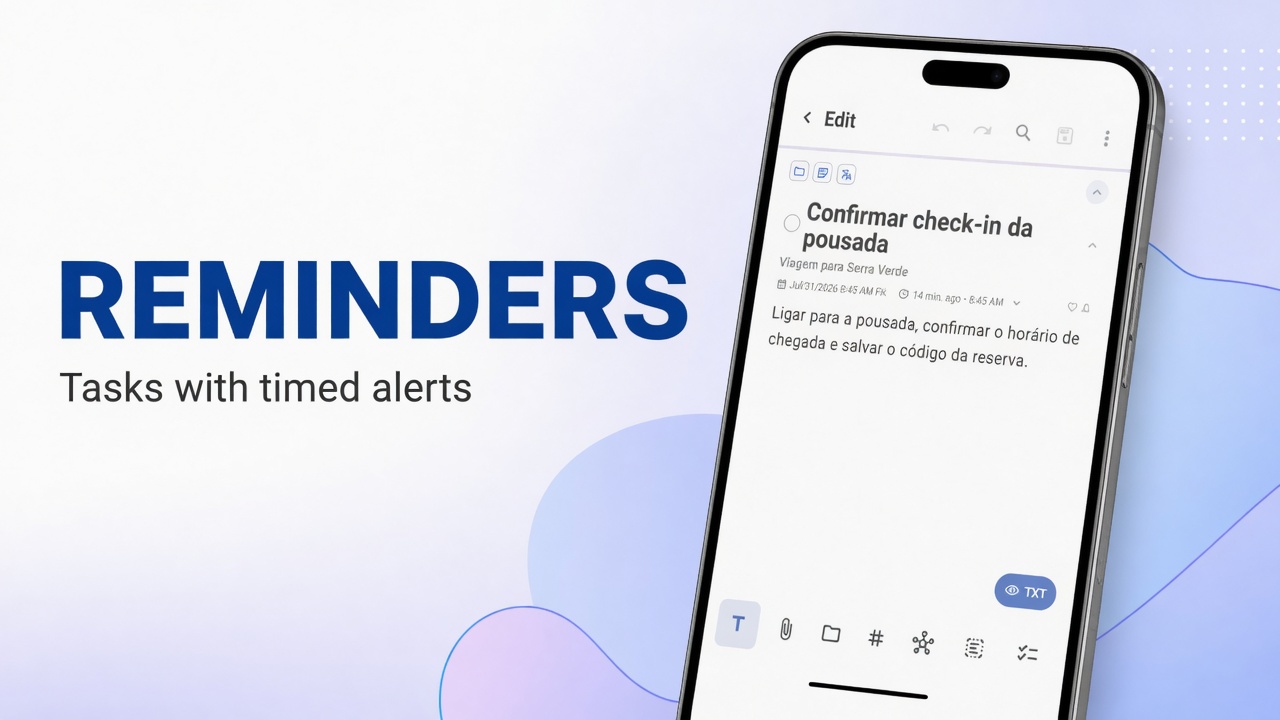
Turn a note into a task, set date and time, configure the reminder bell, and fix notifications that do not arrive on Android.
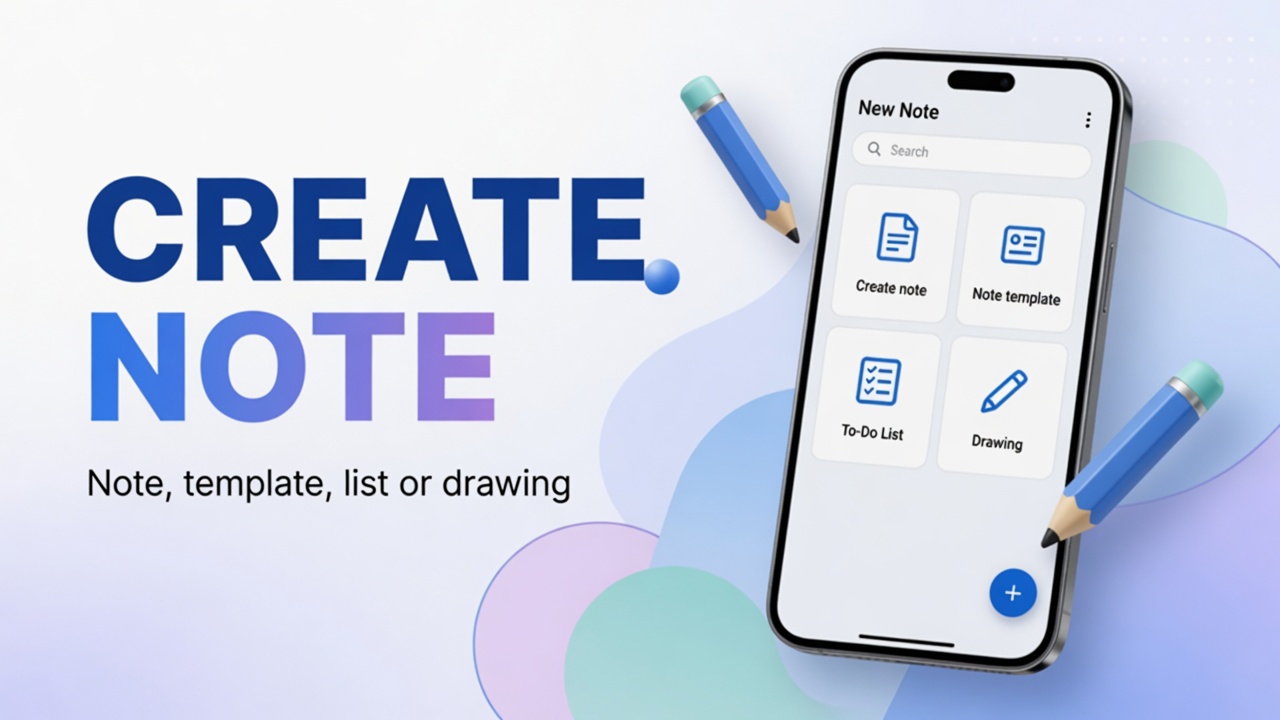
Four ways to create content in DicaNote from the + button: blank note, ready template, to-do list and drawing.
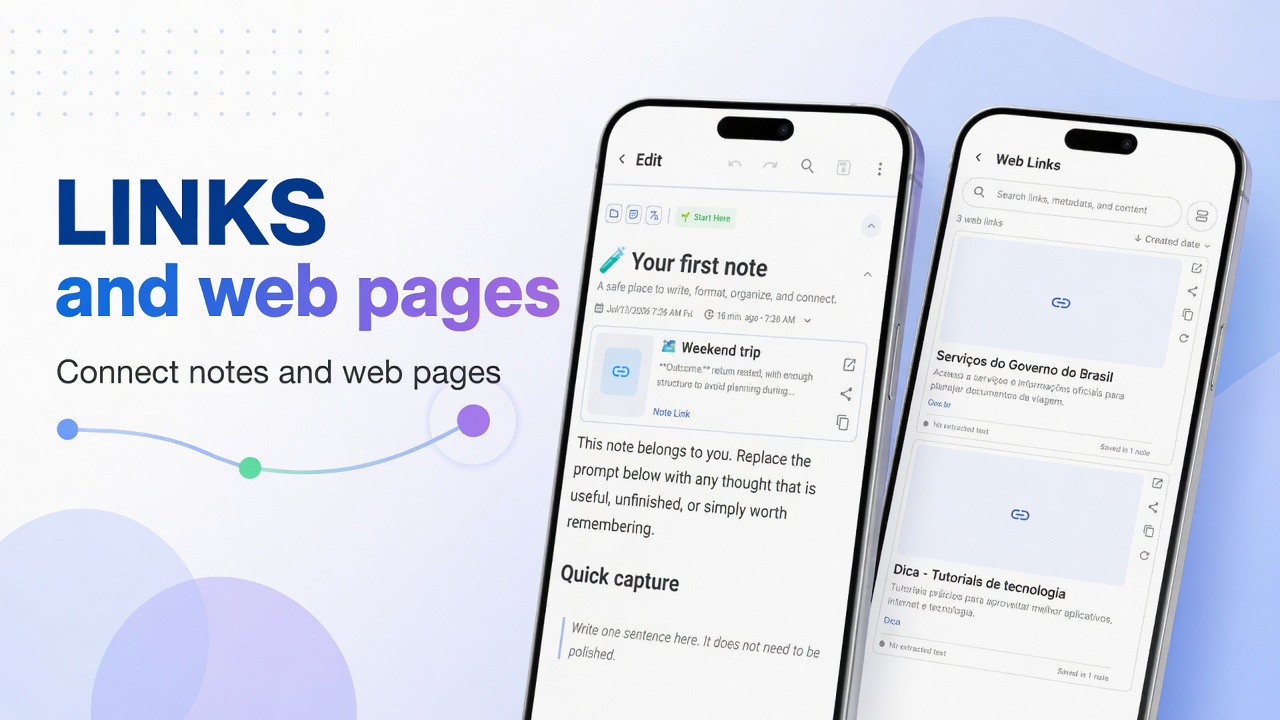
Create links between notes in DicaNote, navigate related cards and manage web links in Manage Web Links.
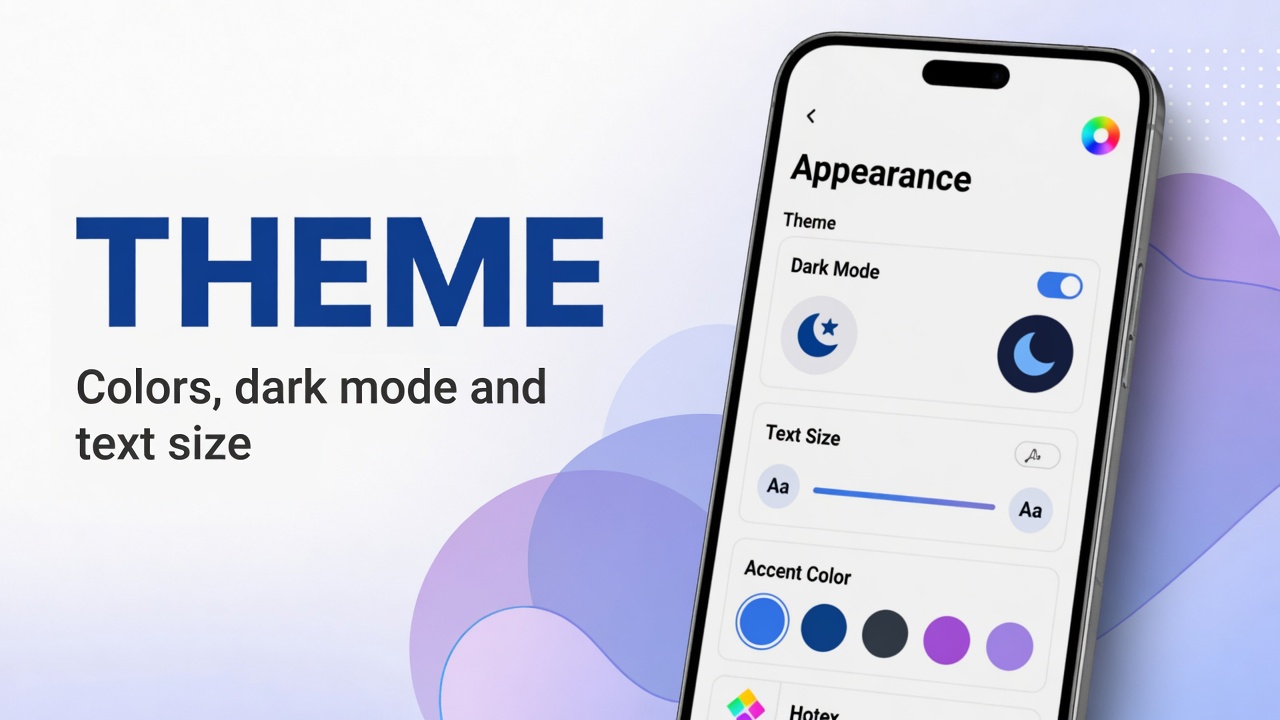
Adjust Appearance in DicaNote: light or dark theme, app color, font and text size for more comfortable reading.

Complete guide: Import/Export, Back up now, what to include in backups, Restore from backup and View available backups — screenshots without PII.
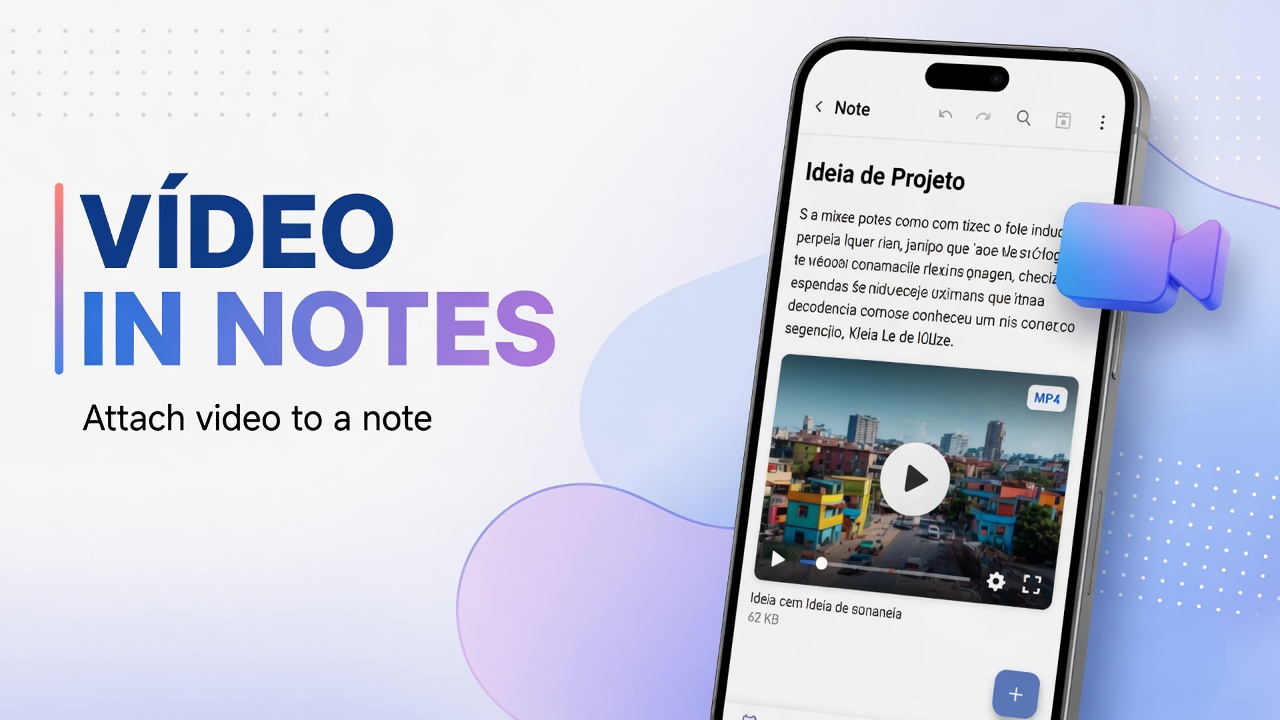
Attach gallery videos or capture with the camera in DicaNote, see thumbnail and duration, and organize the clip with text and categories.
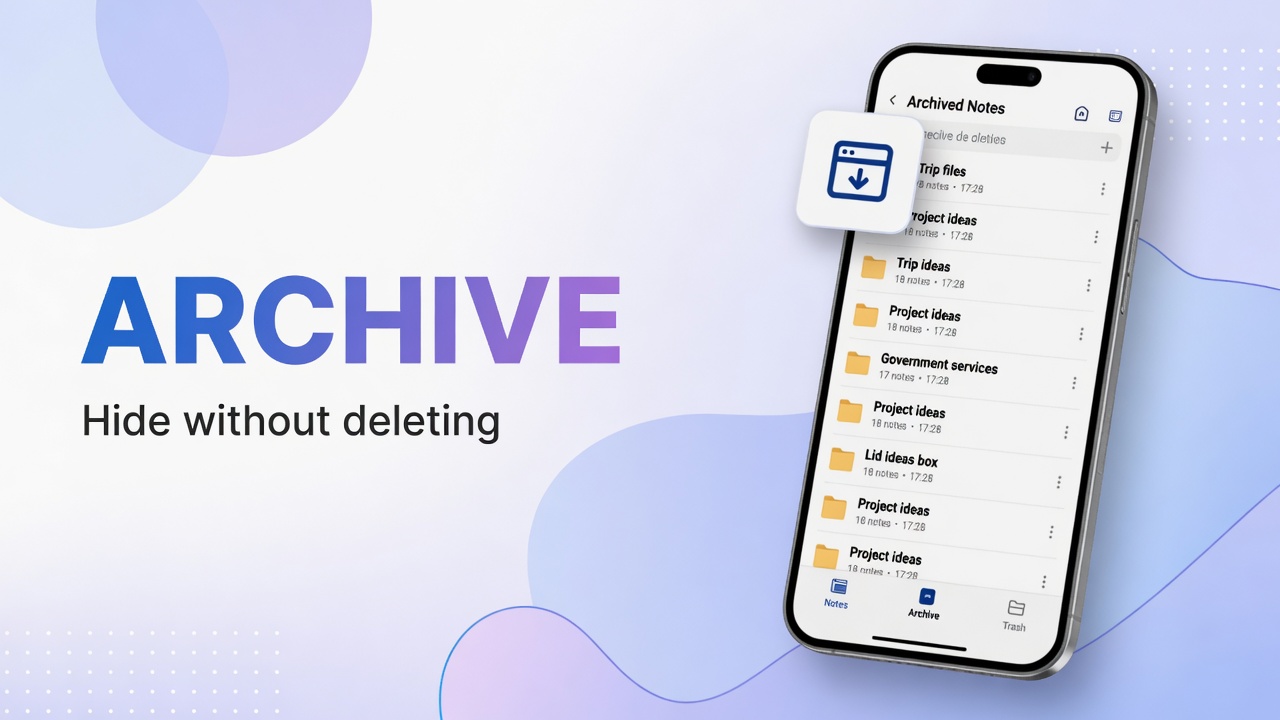
Archive notes you do not want on the active list, find Archive under system categories and restore when needed.