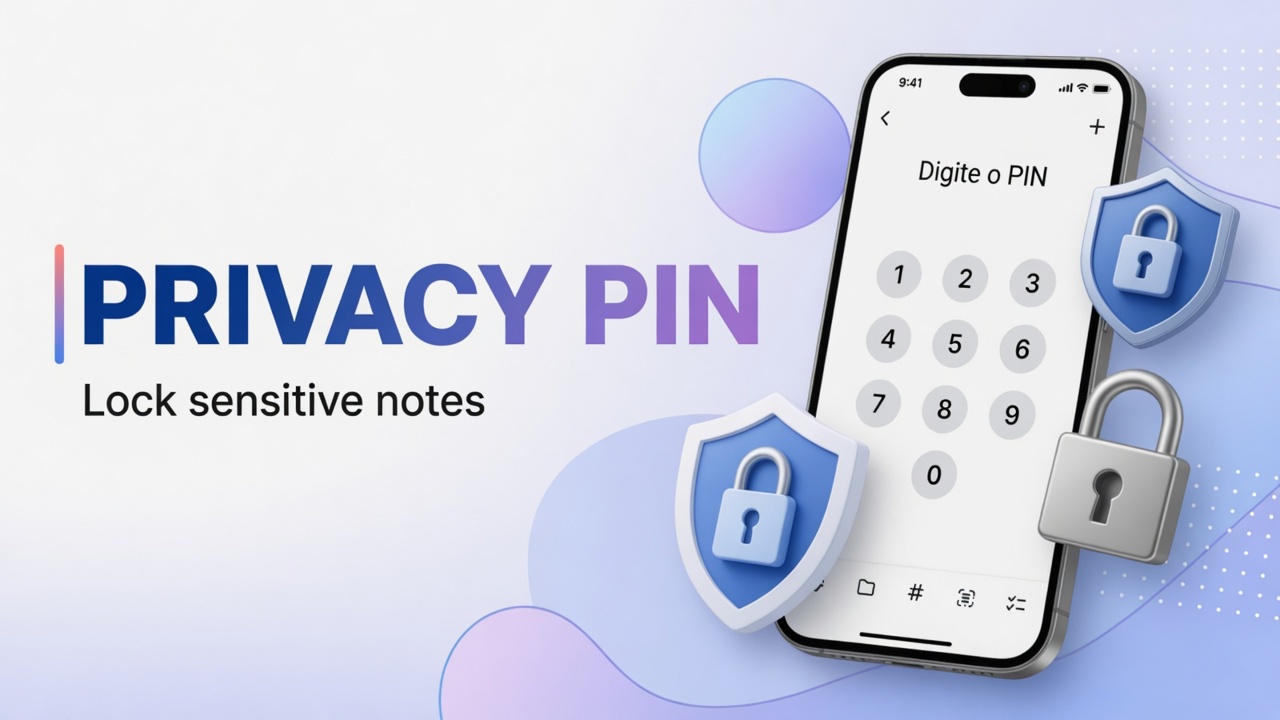
How to set up Privacy PIN and protect notes in DicaNote
Step-by-step Privacy PIN in DicaNote: Settings → Security, enable the PIN, mark Private note and open Private Notes — screenshots without personal …
Step-by-step Privacy PIN in DicaNote: Settings → Security, enable the PIN, mark Private note and open Private Notes — screenshots without personal …
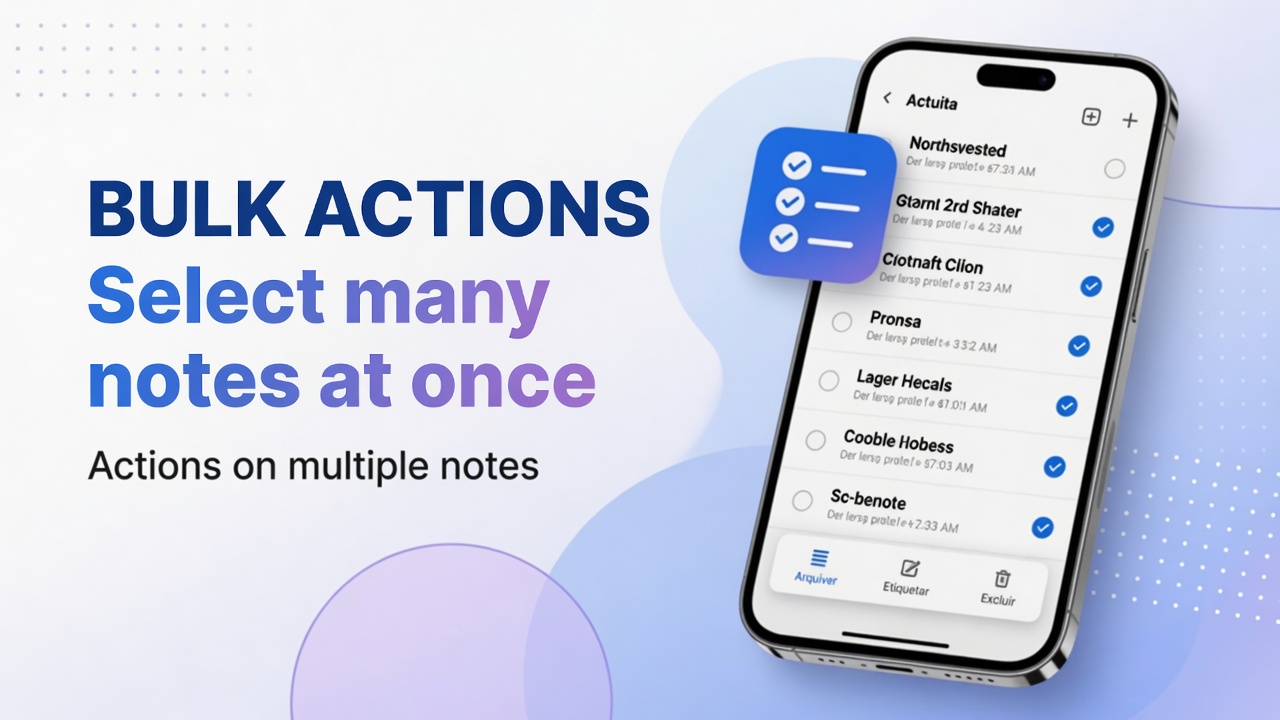
Long-press, multi-select and bulk actions in DicaNote: categories, tags, share, copy, merge, pin and trash.
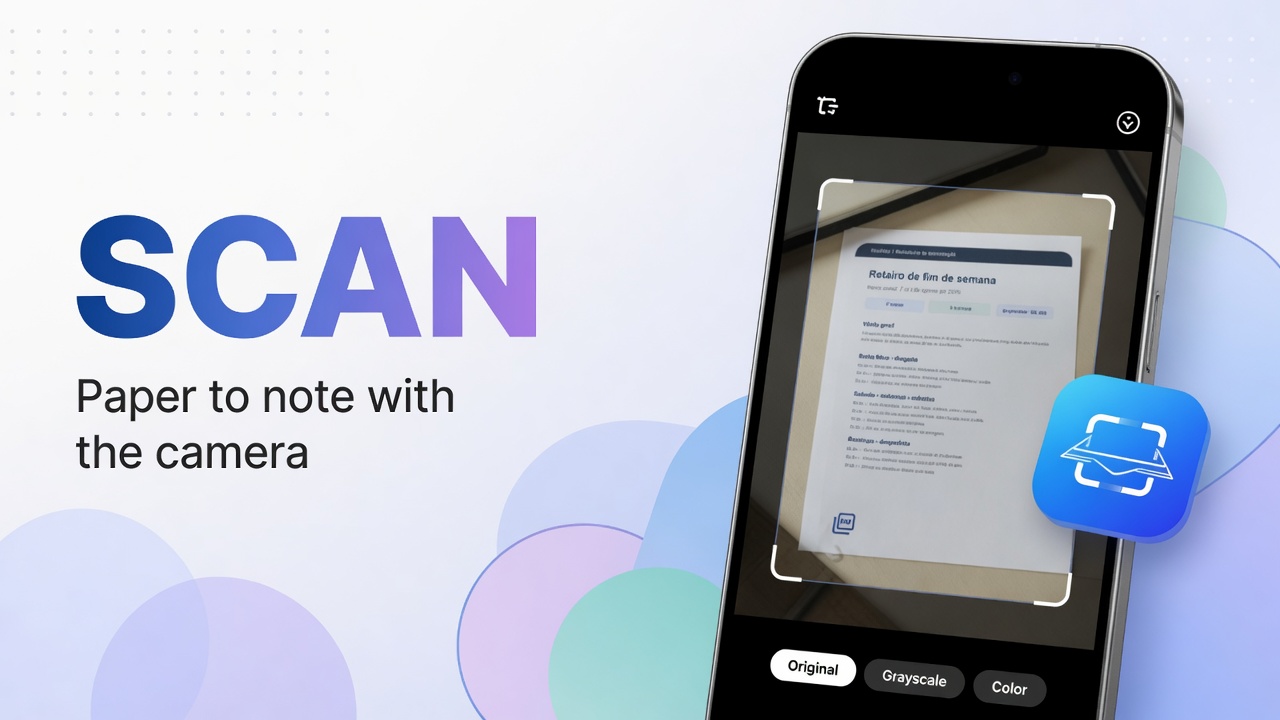
Scan paper in DicaNote: Scan, PDF document or Images, Enhance filters and save the PDF on the note — with English on-screen labels.

Step by step to record audio in DicaNote (Attach → Audio), save it on the note and play it later — with English UI labels.
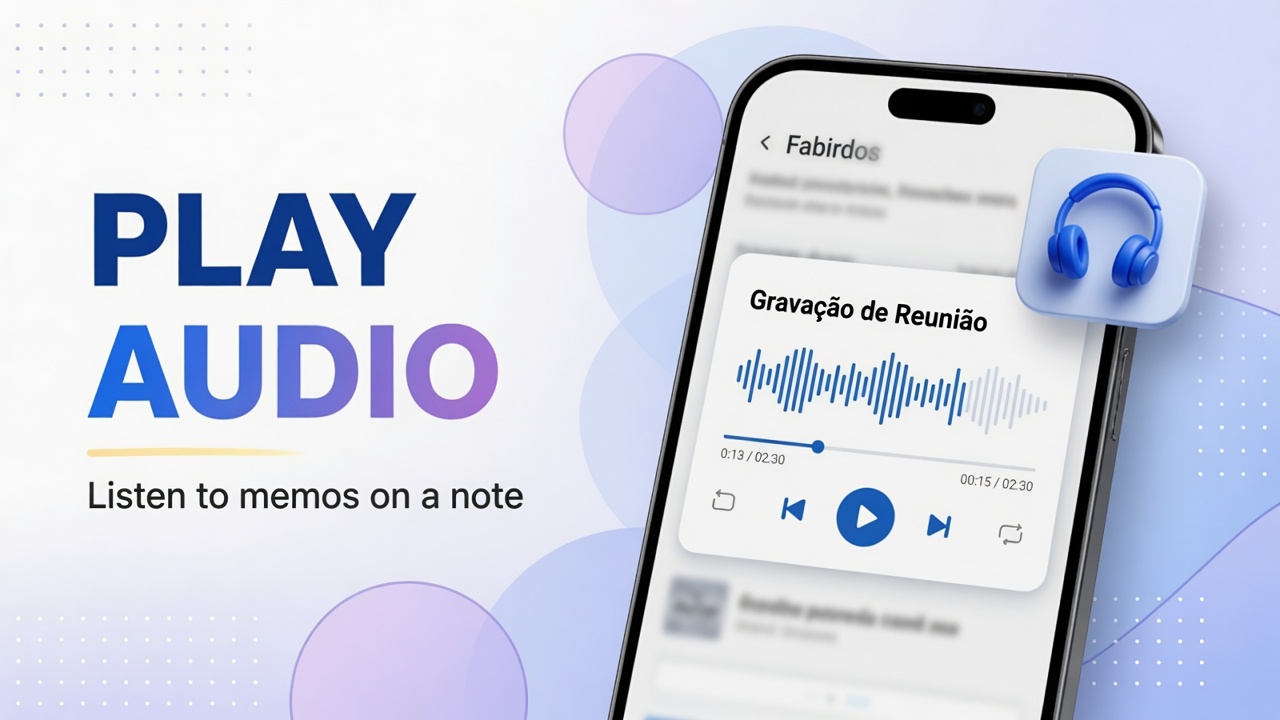
Open the audio player on a DicaNote note: play, pause, waveform, duration and playback speed.
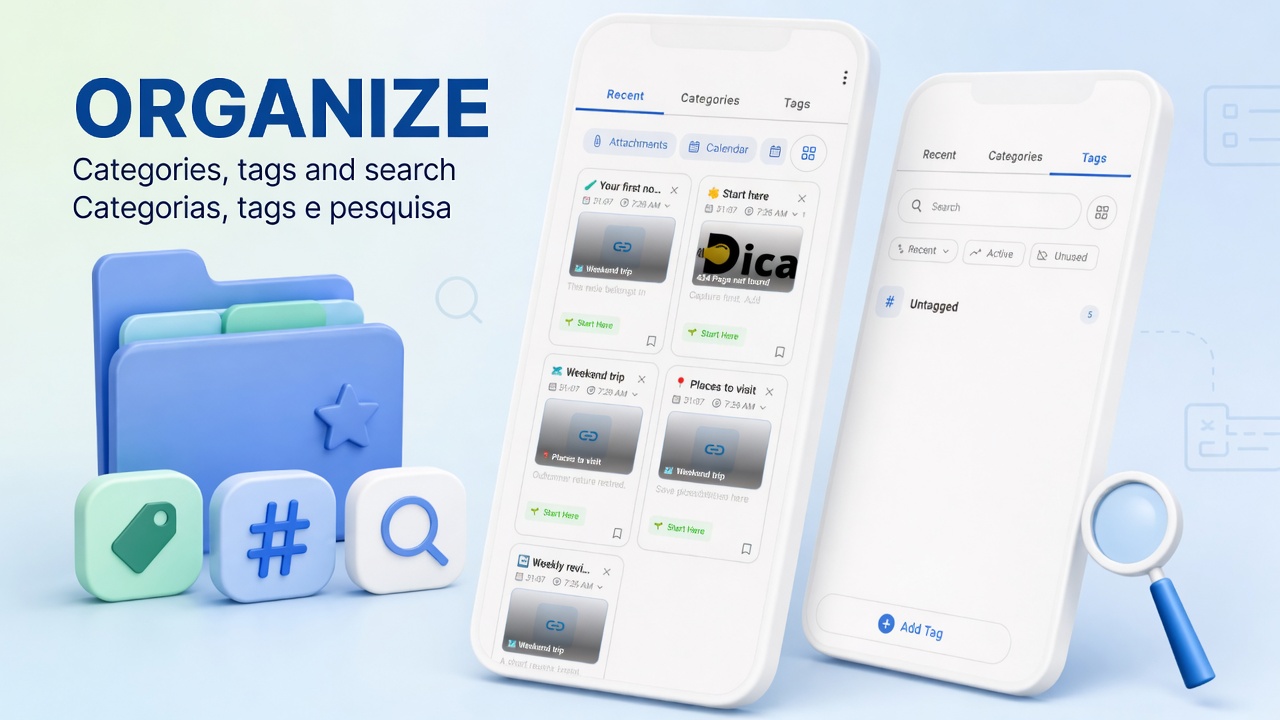
Combine categories, tags, pinned notes and search in DicaNote — and know when to use each.
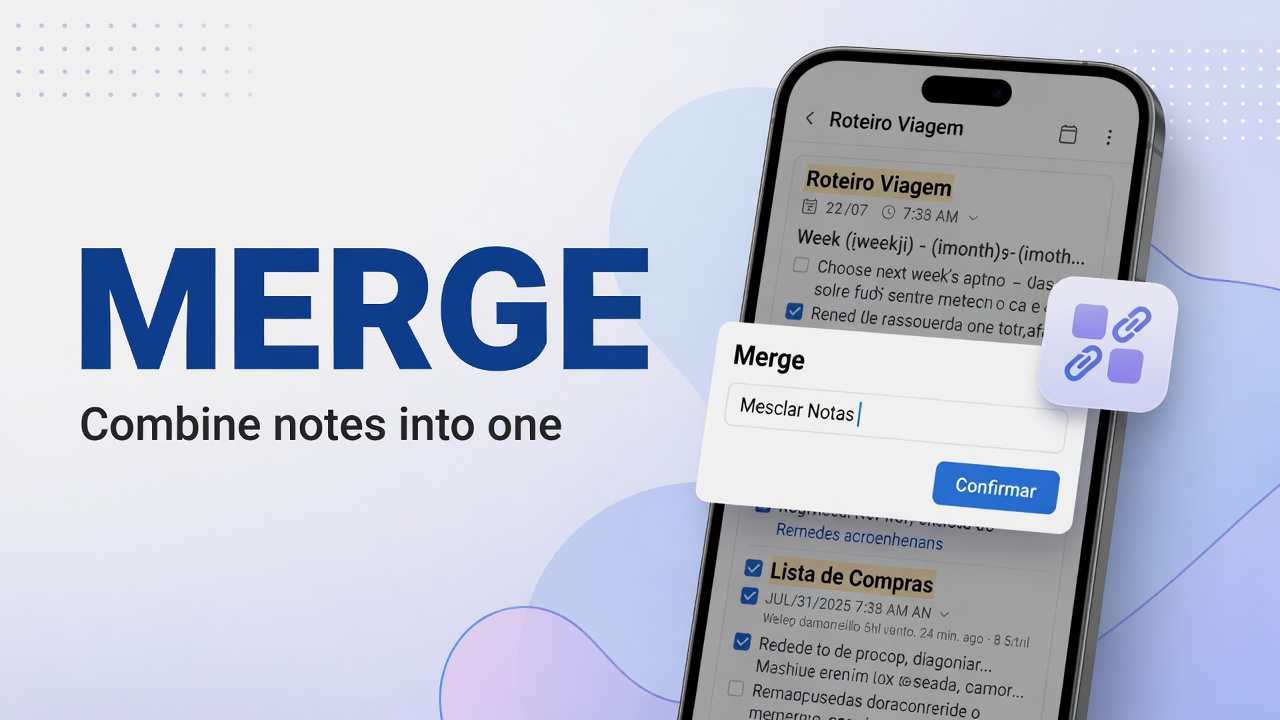
Select two or more notes in DicaNote and join the content with Merge Notes, choosing which note to keep (Keep this note).
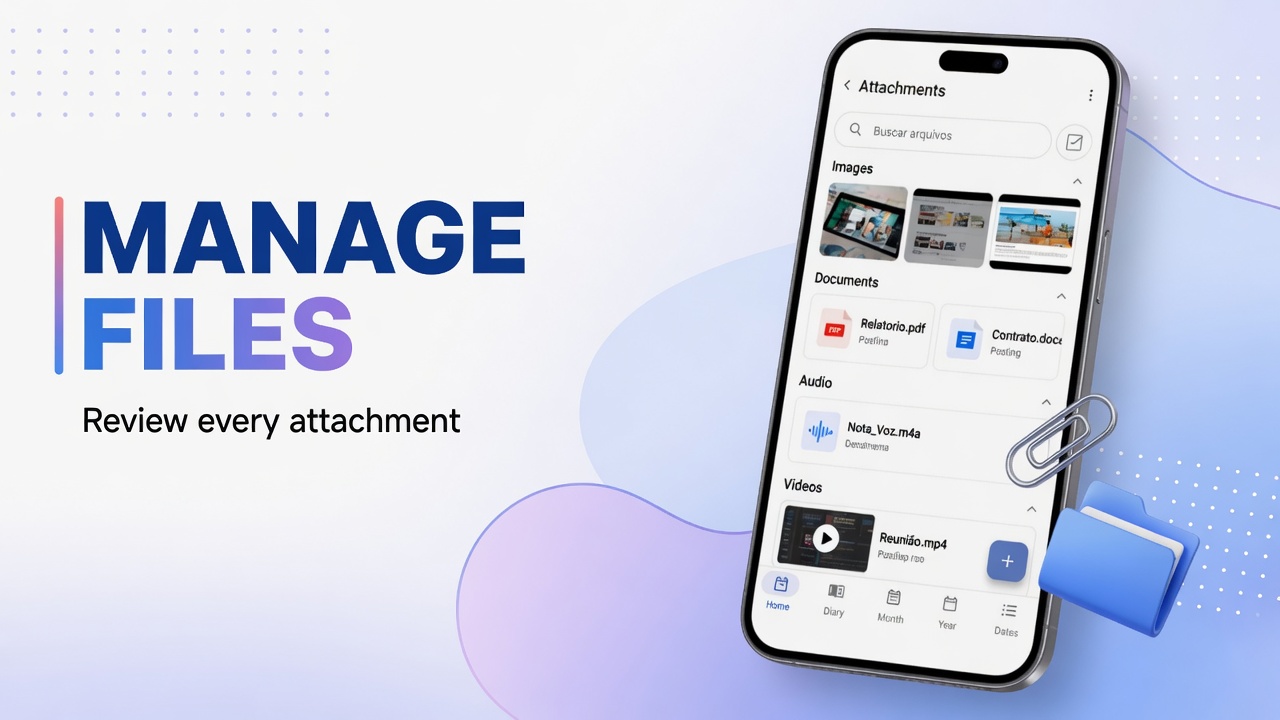
Open Attachments in DicaNote, search note files, switch Note files and Device media, and clean up leftovers.
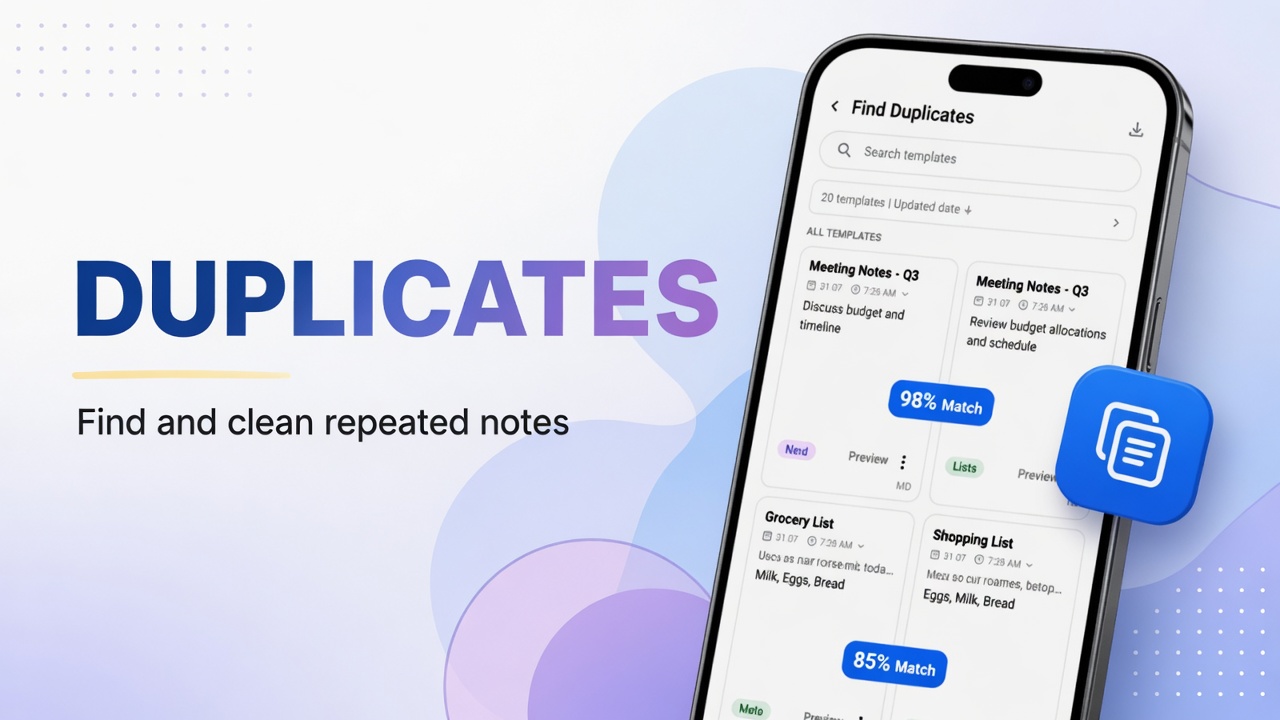
Use Find Duplicates in the DicaNote menu to locate copies and decide whether to delete, merge or keep them.