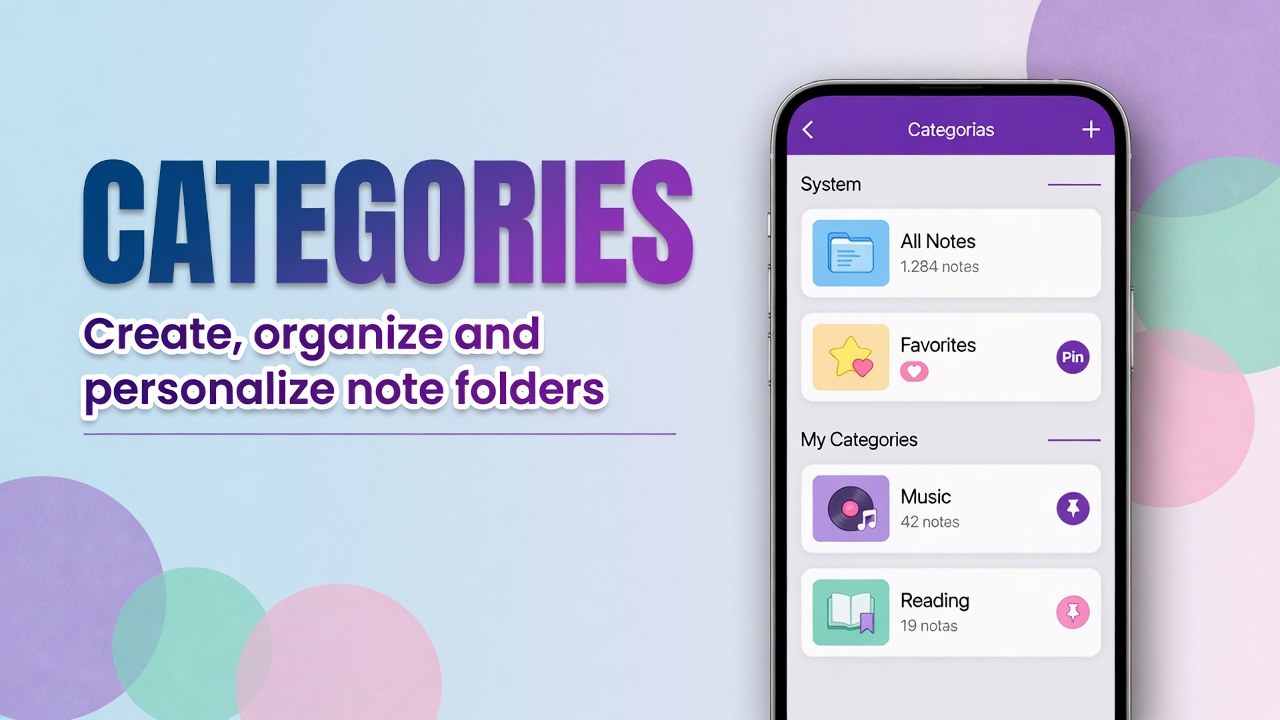
How to use the Categories page in DicaNote
Open DicaNote’s Categories screen: system categories, your folders, filters, search, and how to create and customize categories.
Open DicaNote’s Categories screen: system categories, your folders, filters, search, and how to create and customize categories.
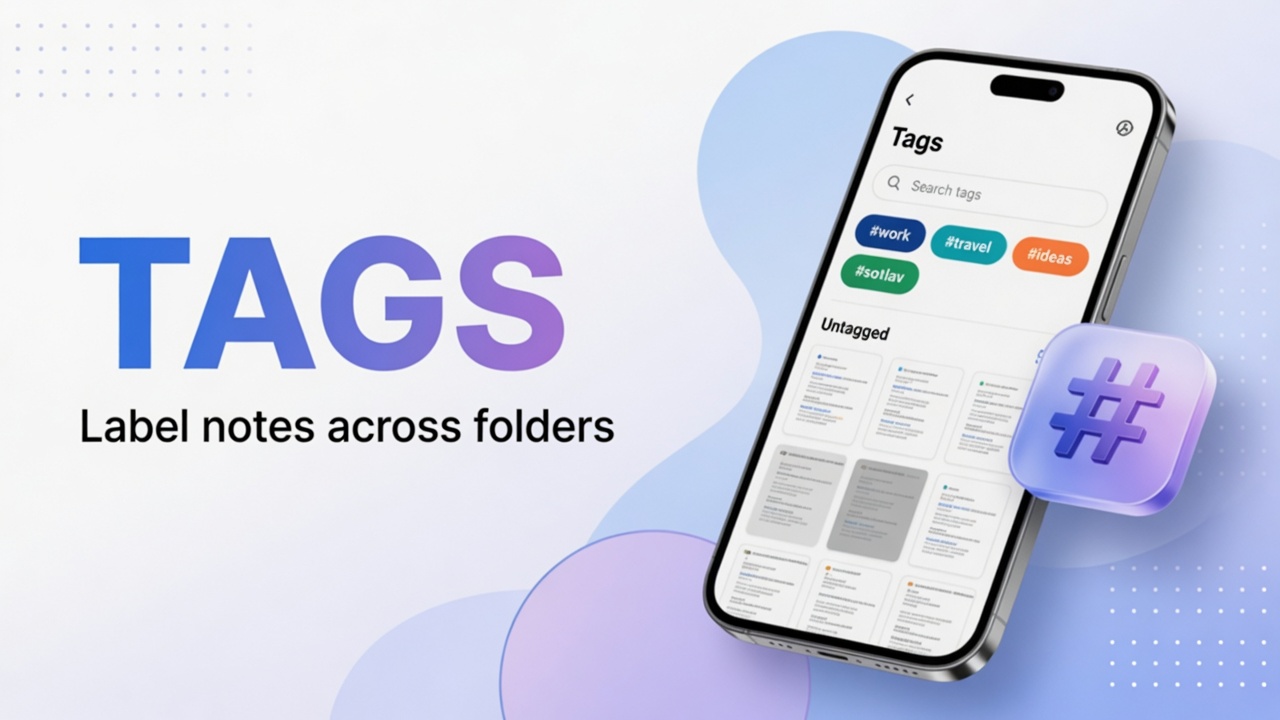
Create and apply tags (#) in DicaNote, filter by tag and combine with categories without cluttering folders.
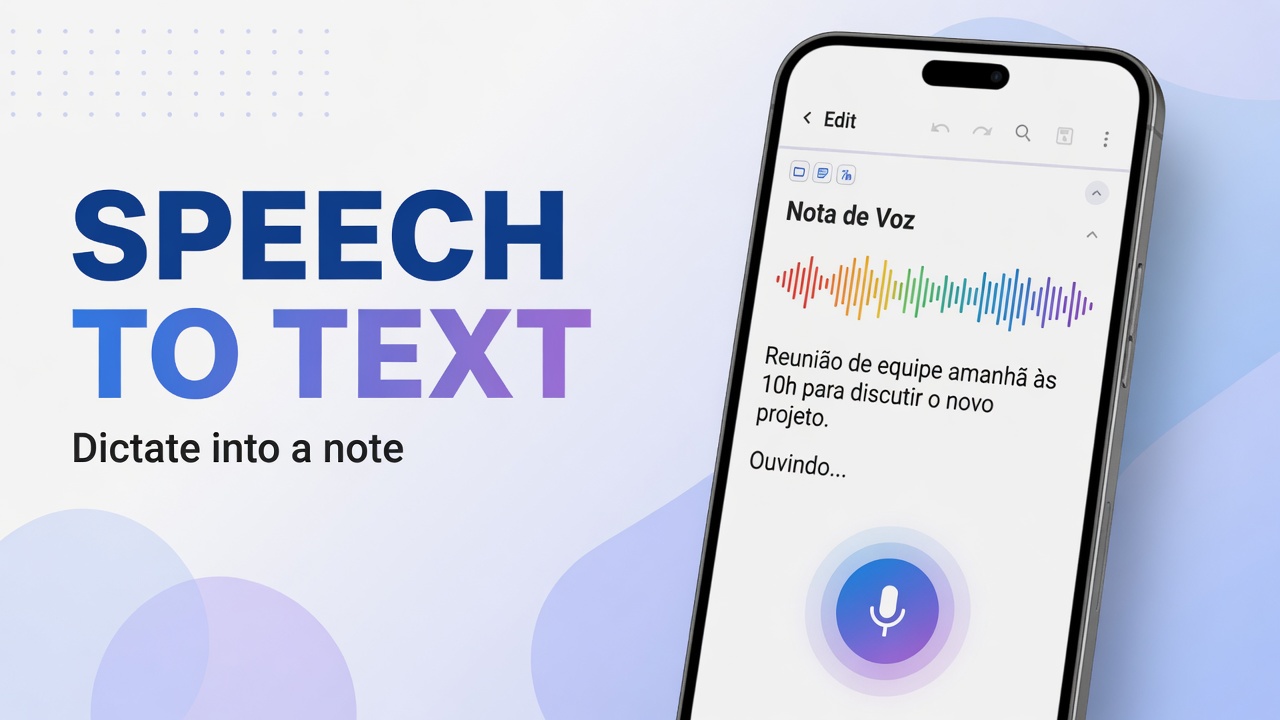
Use the notes-list microphone in DicaNote for dictation (Speech to text) and know how it differs from recording audio.
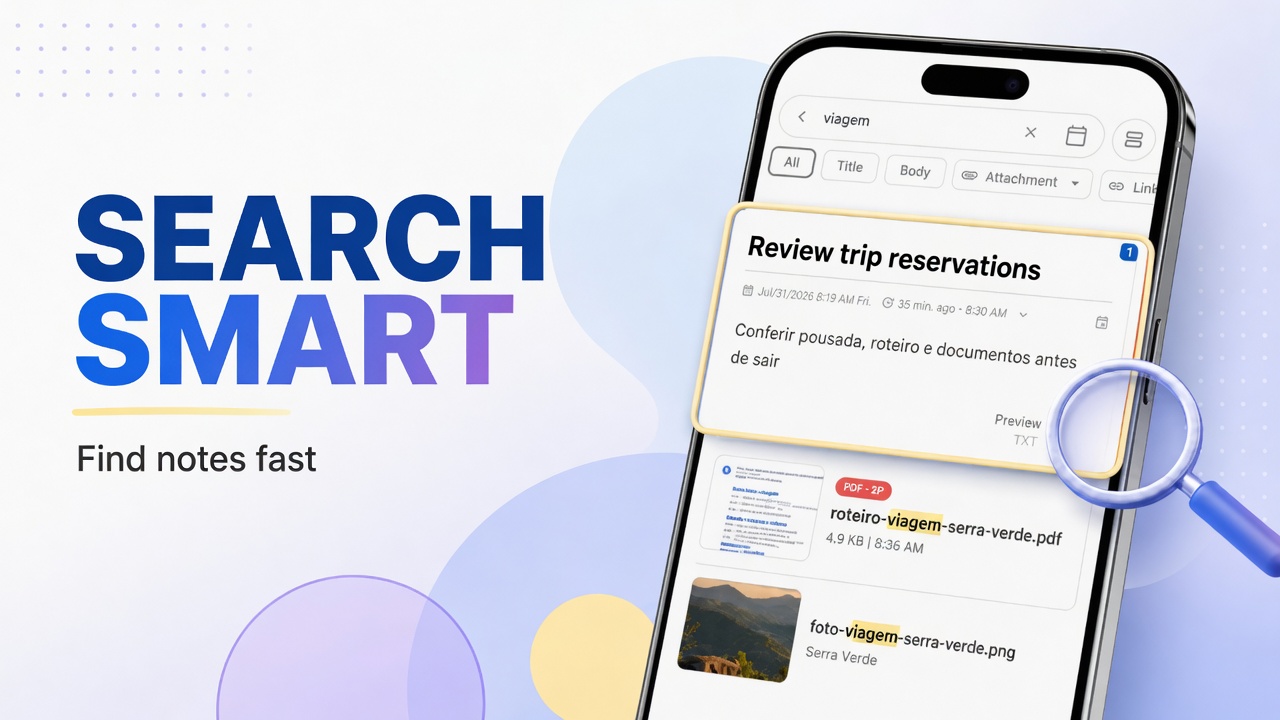
Find notes in DicaNote with Smart search, category and tag filters, and tips for titles that search actually picks up.
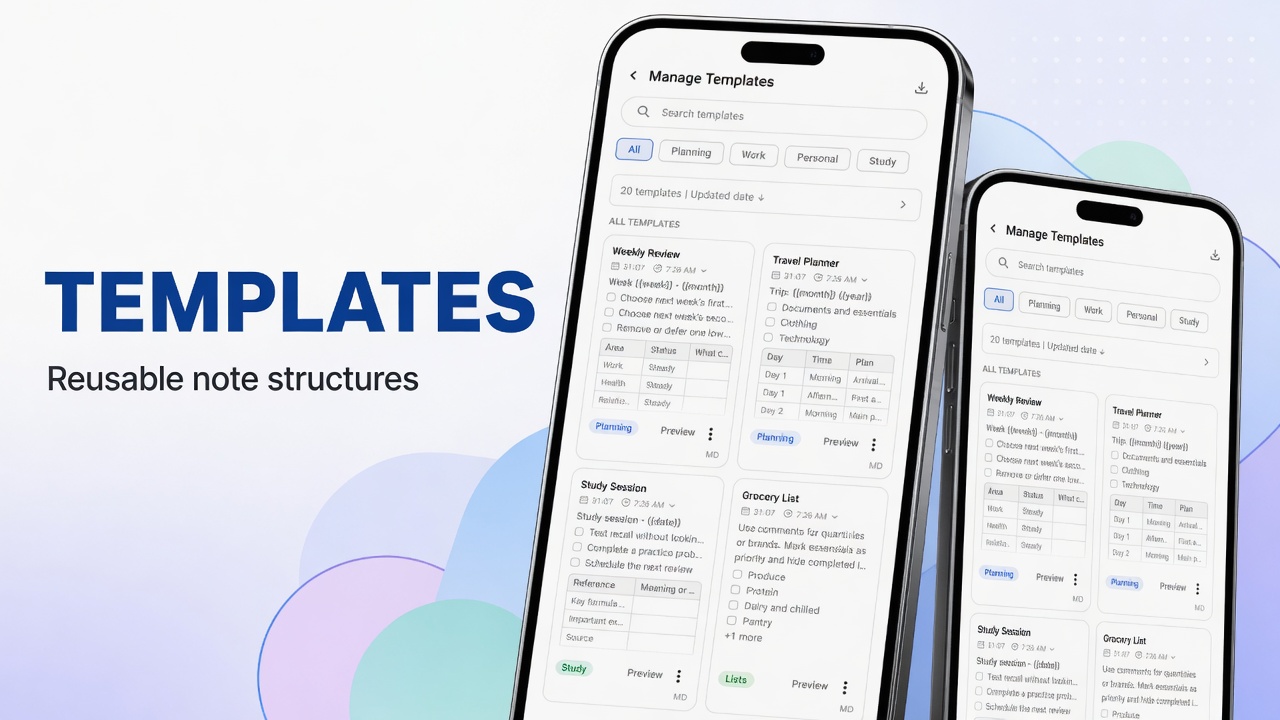
Manage and use templates in DicaNote: Manage Templates, tabs, search, preview, sorting, and how to create notes from a template.
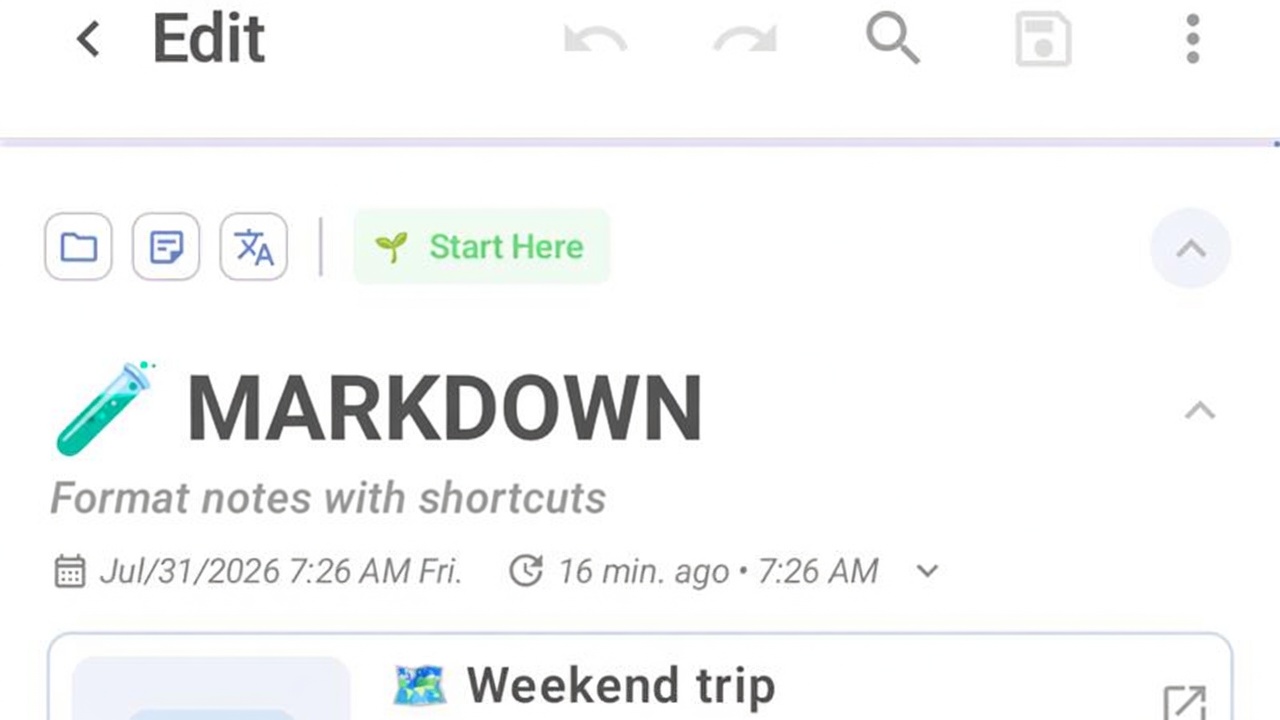
Format notes in DicaNote with Markdown: headings, lists, tasks, bold and links without leaving the keyboard.
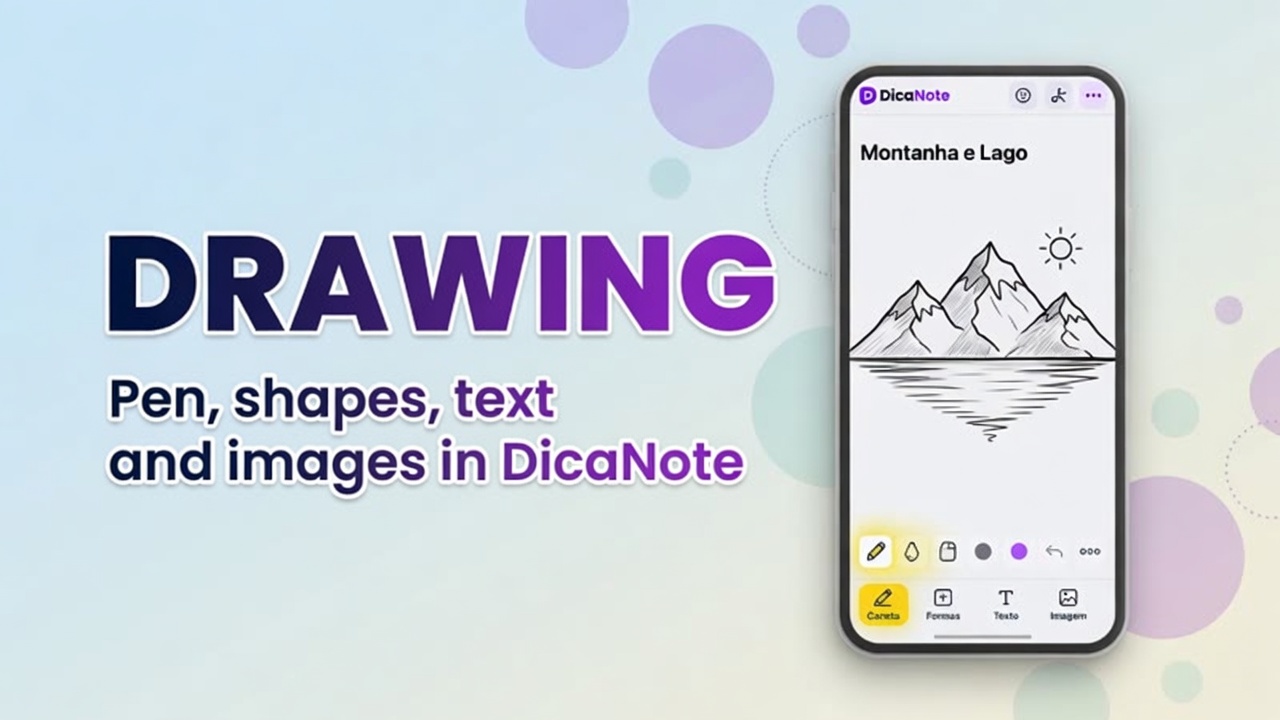
Learn the DicaNote drawing editor: tools, Page size, and Save as options.
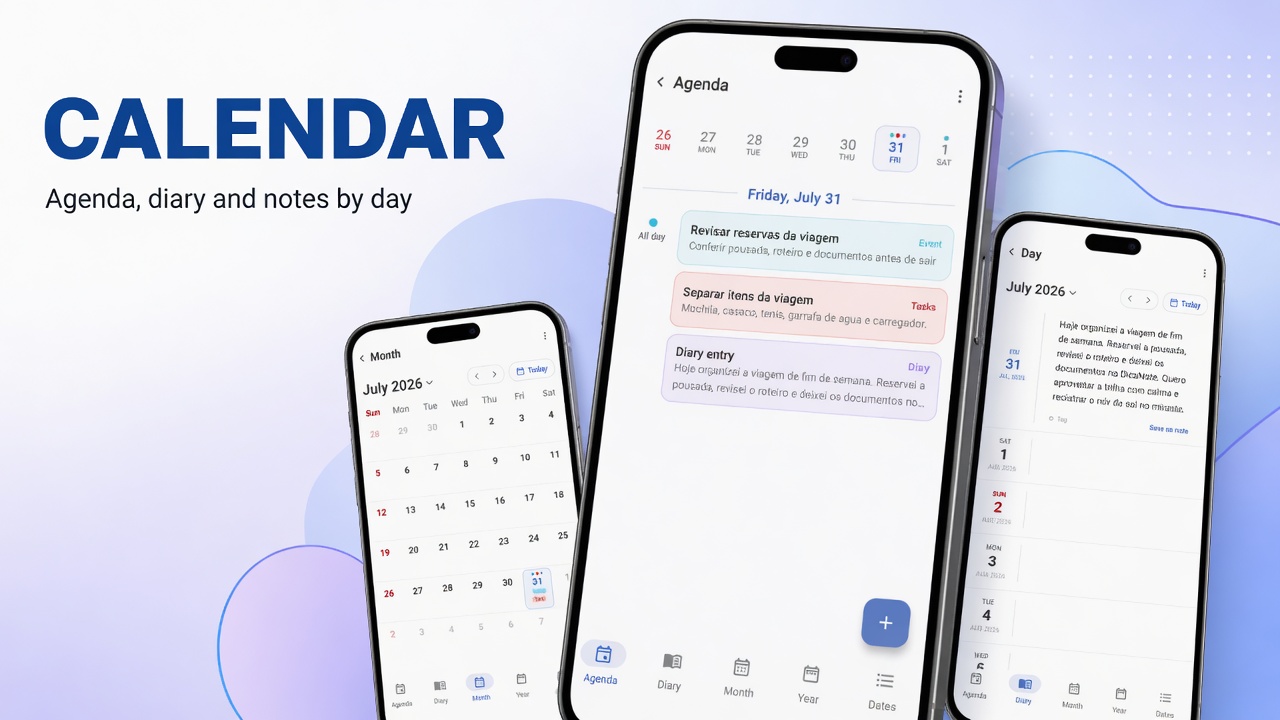
Use Agenda, monthly calendar, important dates and Diary in DicaNote, with Shortcuts and links to tasks.
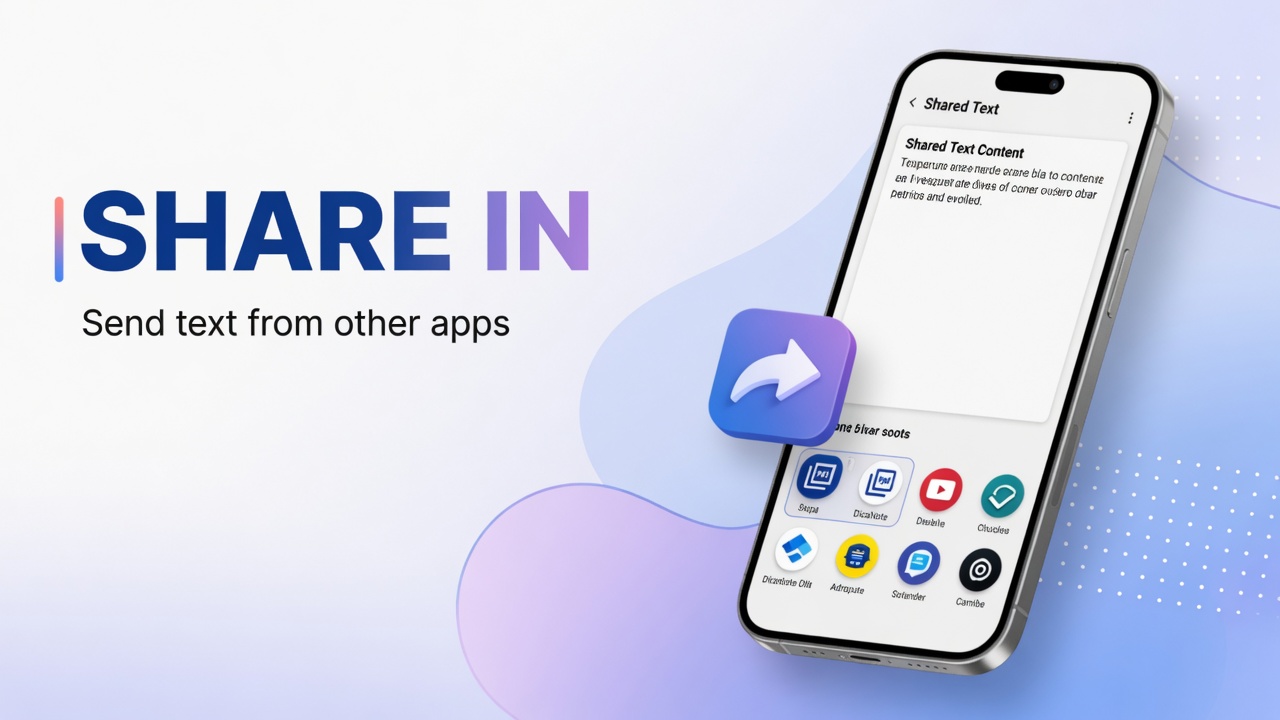
Use Android Share to send text from another app into DicaNote and create a new note or add to an existing one.