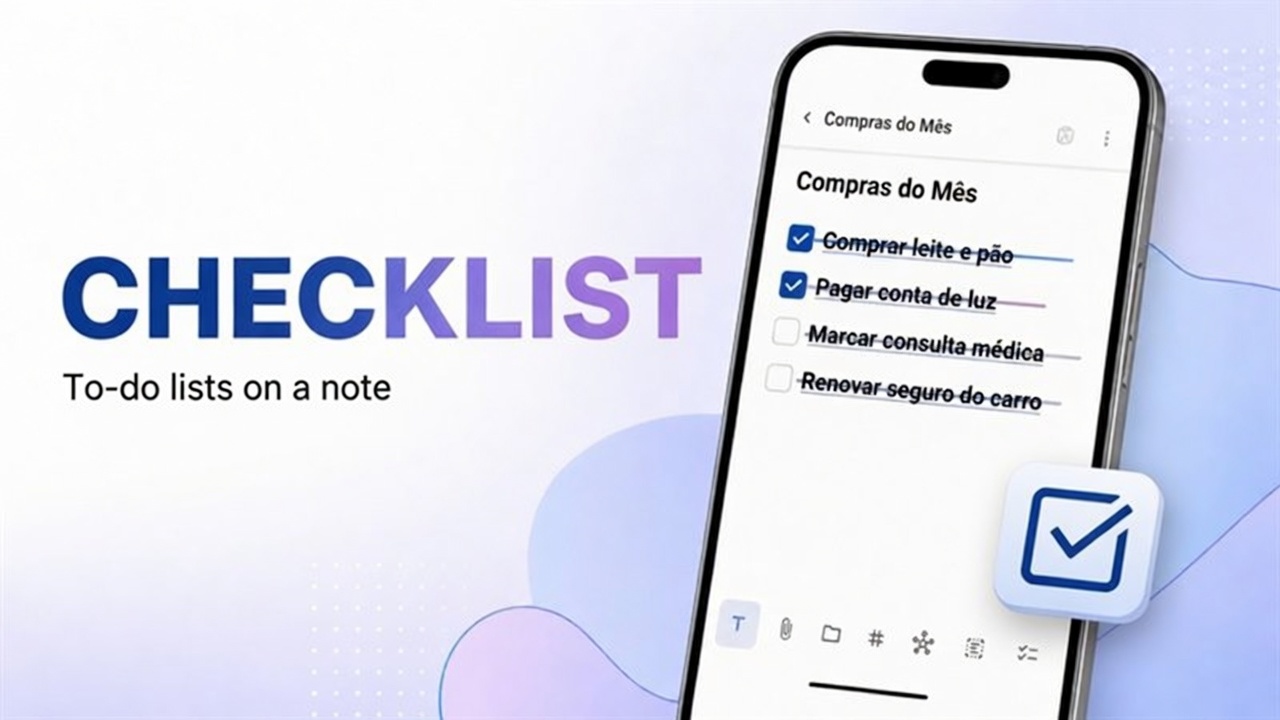
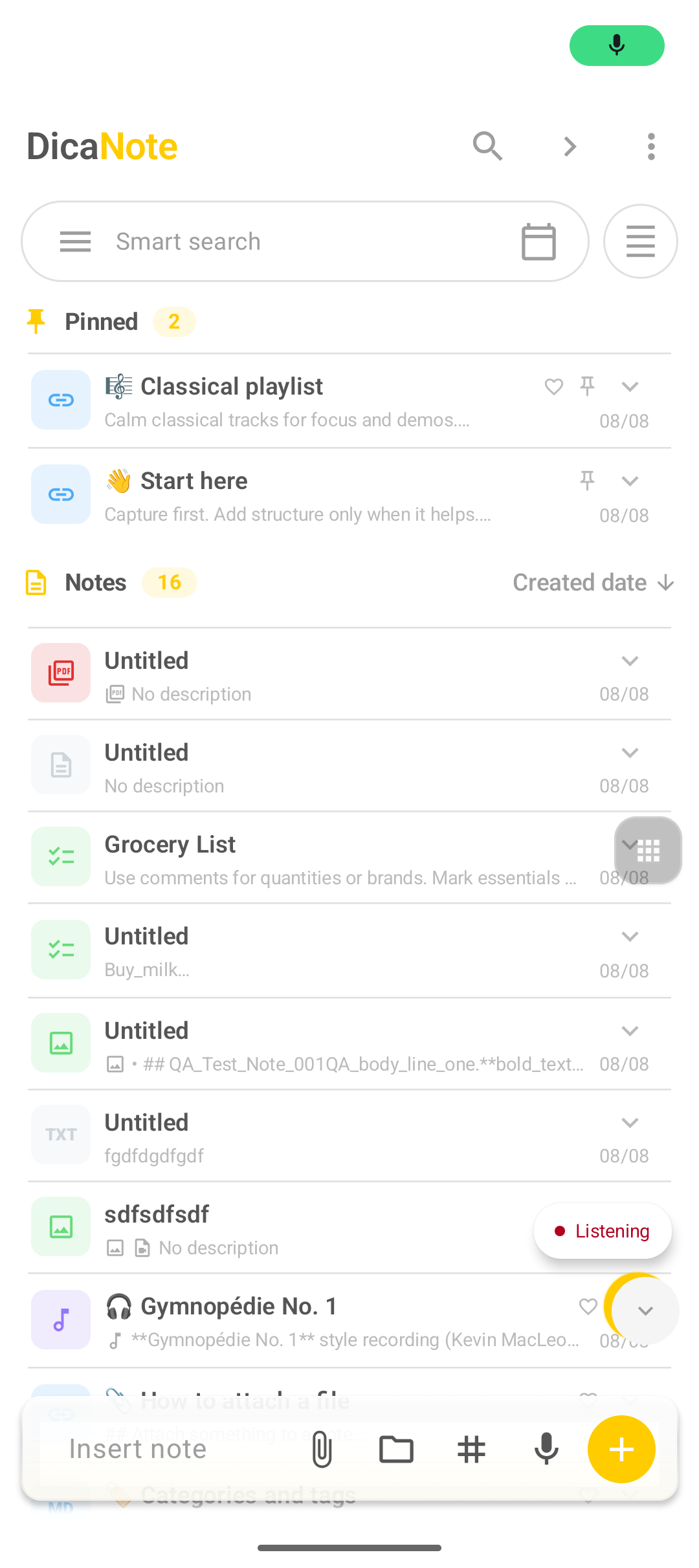
On the list bottom bar there is a microphone (Speech to text). It tries to turn speech into text. It is not paperclip → Audio, which records a file with a player.
How to dictate
- DicaNote home.
- Tap the Speech to text microphone.
- When Listening appears, speak near the mic.
- Stop by tapping the mic again or the control shown.
- Review the text, save and add a title.
Speech to text vs record audio
| Speech to text | Paperclip → Audio | |
|---|---|---|
| Result | Text (if the system recognizes) | Sound file |
| Starts at | List microphone | Attachments panel |
| Good for | Typed draft | Interview, spoken idea |
Recording: record audio. Play later: play audio.
If nothing happens
- Microphone permission for DicaNote.
- Emulators often have no speech package.
- Test the Google keyboard mic in another app.
- Noisy environments hurt names and numbers.
Tip: long meetings: record audio and type only key points. Long dictation mangles proper names easily.
After the text
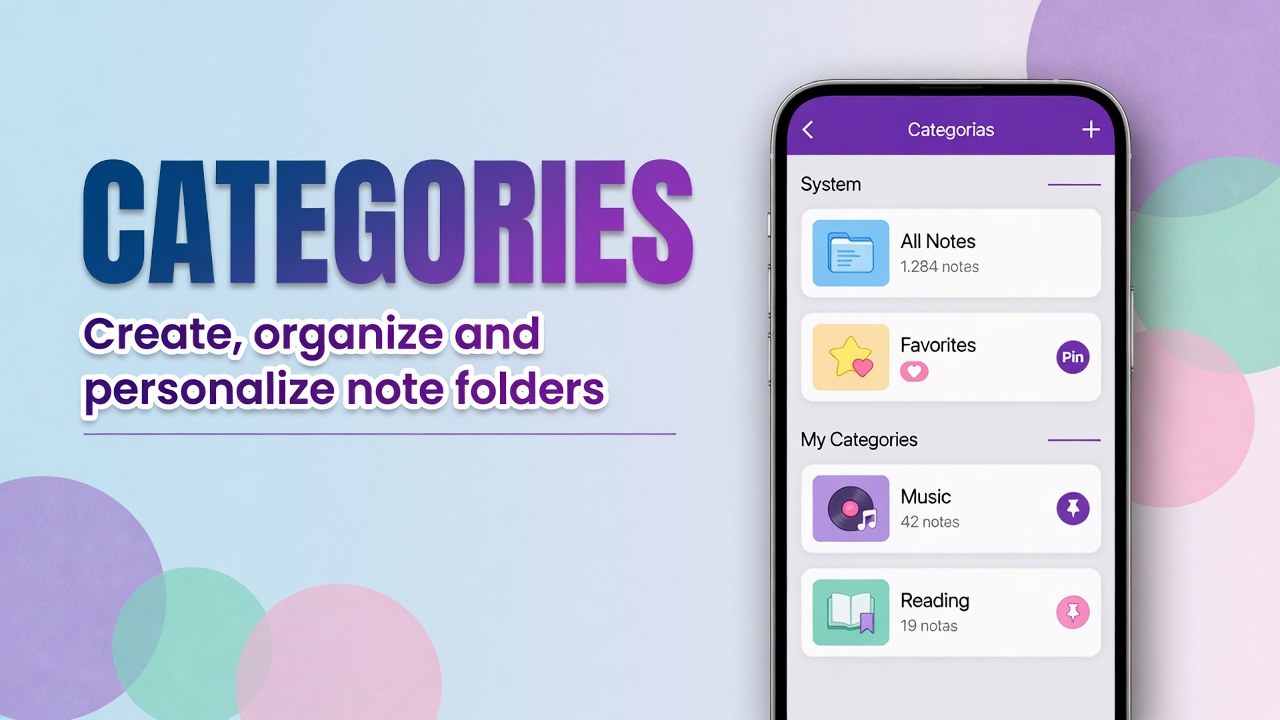
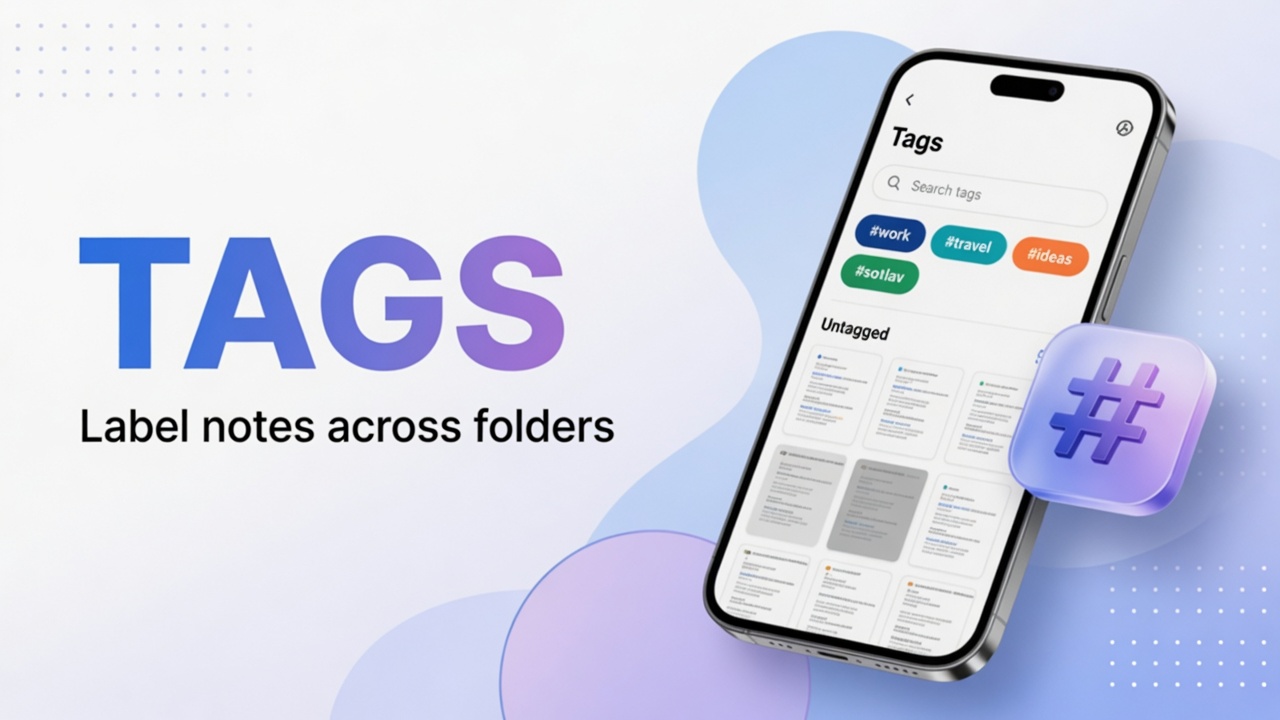
Review punctuation and names. Use Markdown if you will structure sections. Categories and tags help you find it later.
FAQ
Does it work offline?
Depends on the recognition engine and languages installed on Android.
Can I dictate in an open editor?
The main shortcut is on the list. In the editor, use the system keyboard mic or record audio via the paperclip.
It listens but does not write
Without a recognizer, or with noise, the result vanishes. Check keyboard dictation on the same device.