In DicaNote a task can live with its context: text, attachment, category. You mark the action, set a date and, if you want, a reminder (bell).
UI language: calendar, bell and Notifications & Reminders are usually in English on screen.
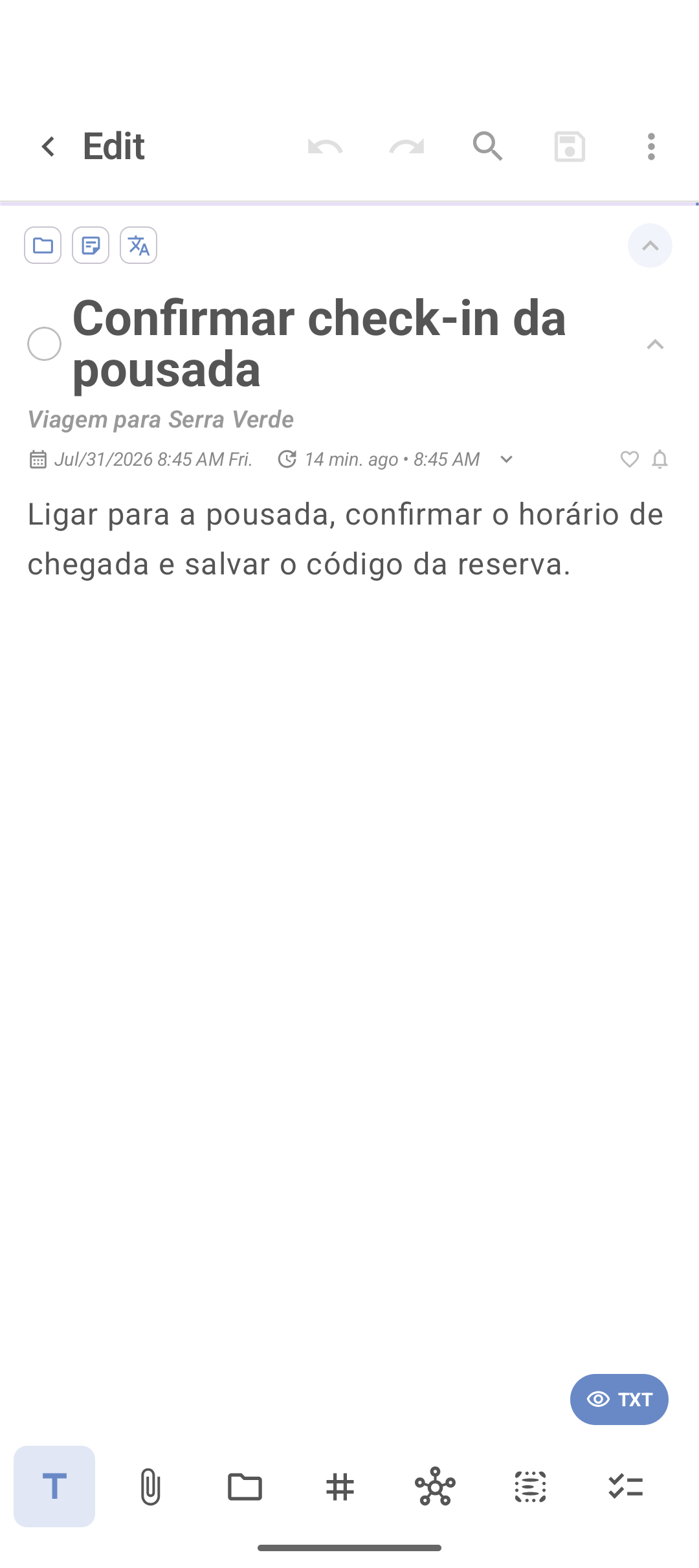
Create a task from a note
- Tap + (blank note, template or to-do shortcut).
- Title with a verb (Confirm check-in, Send report).
- Turn on task mode (circle next to the title, when available).
- Calendar icon → date.
- Enable time if it is at a specific moment.
- Bell icon → reminder (how long before).
- Save.
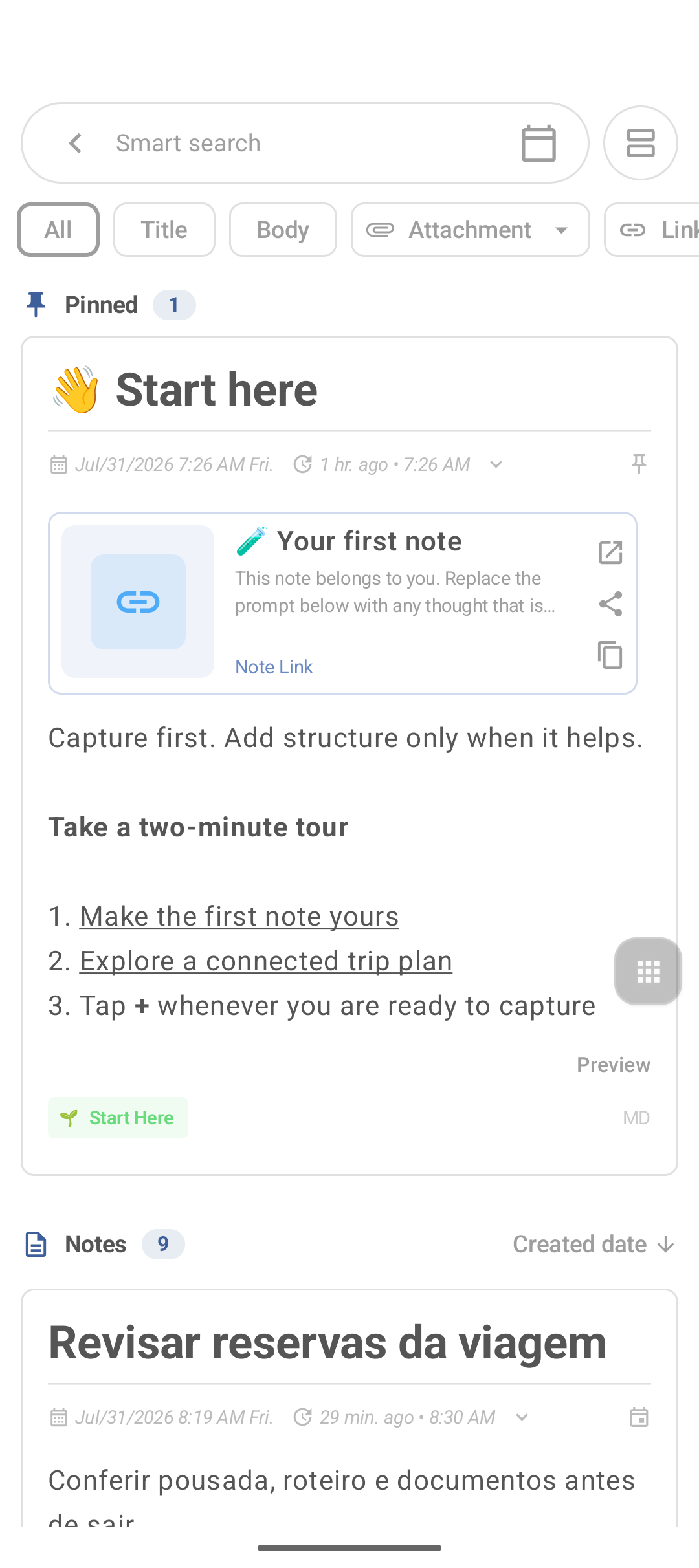
Checklist vs task with a due date
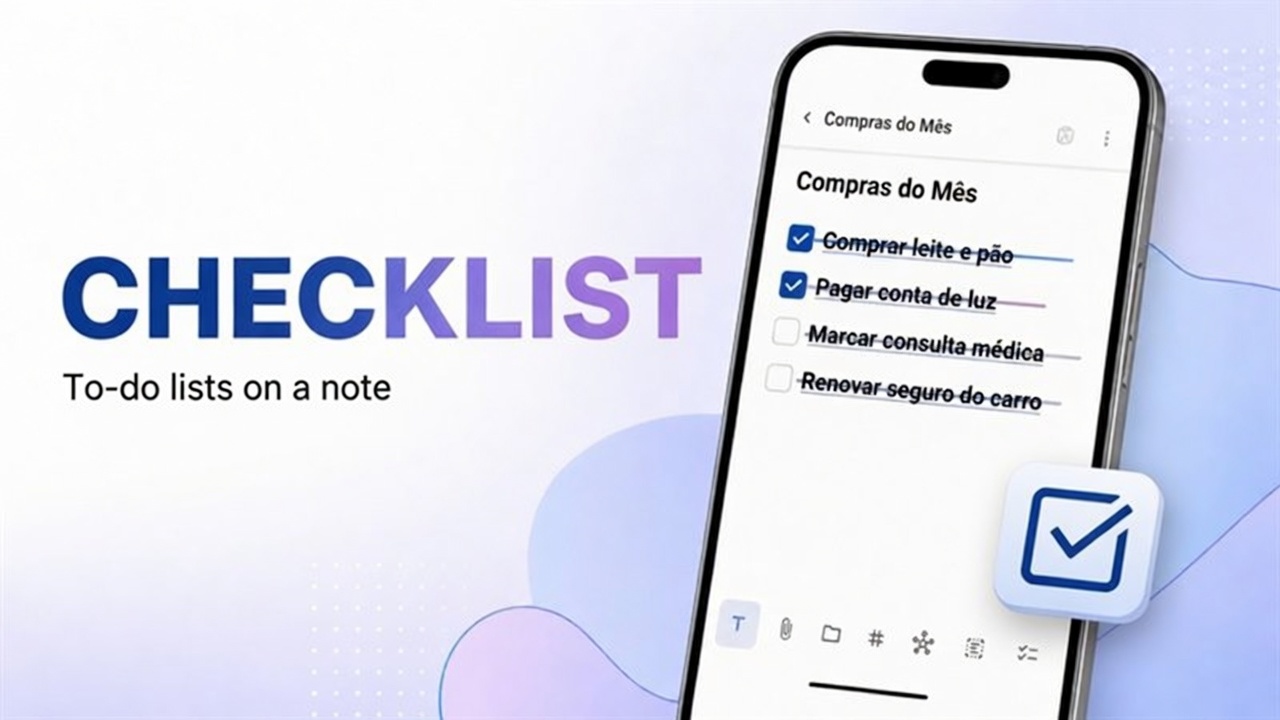
List of several items in the same note: checklist.
One action with a notification: this guide.
See what is due today
- ⋮ → Agenda, or
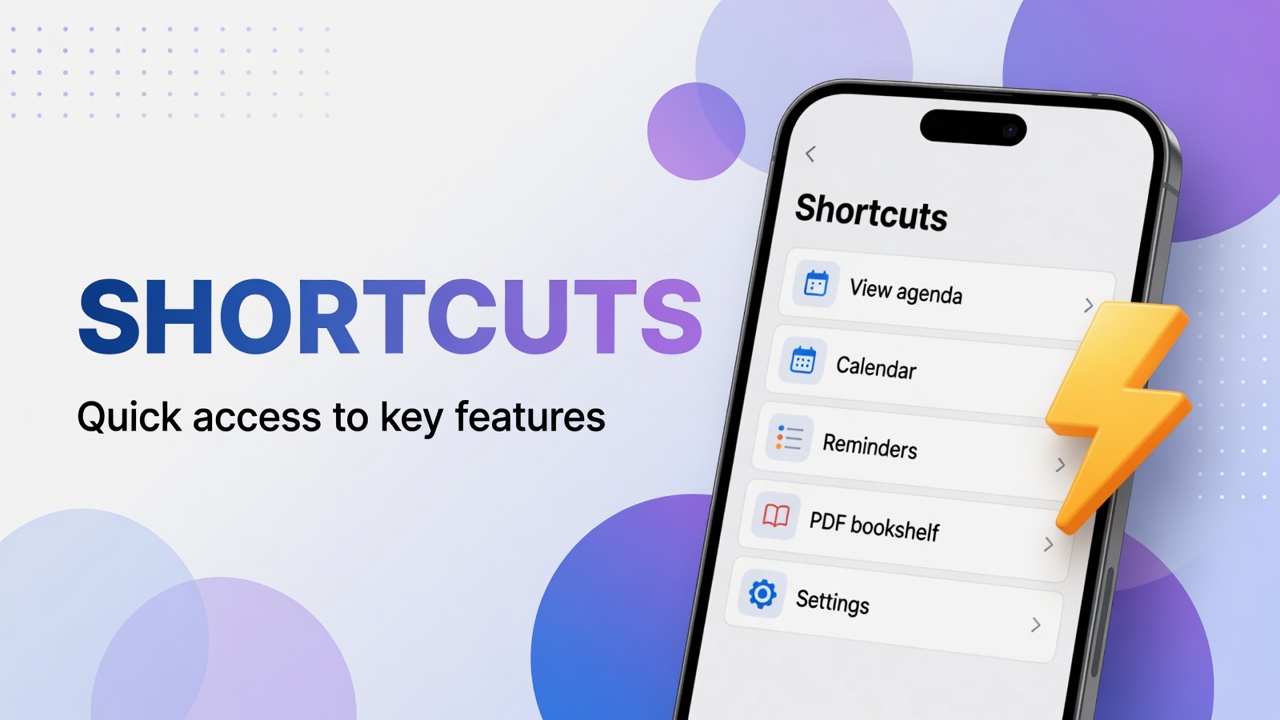
- Shortcuts → Reminders / Tasks / View agenda.
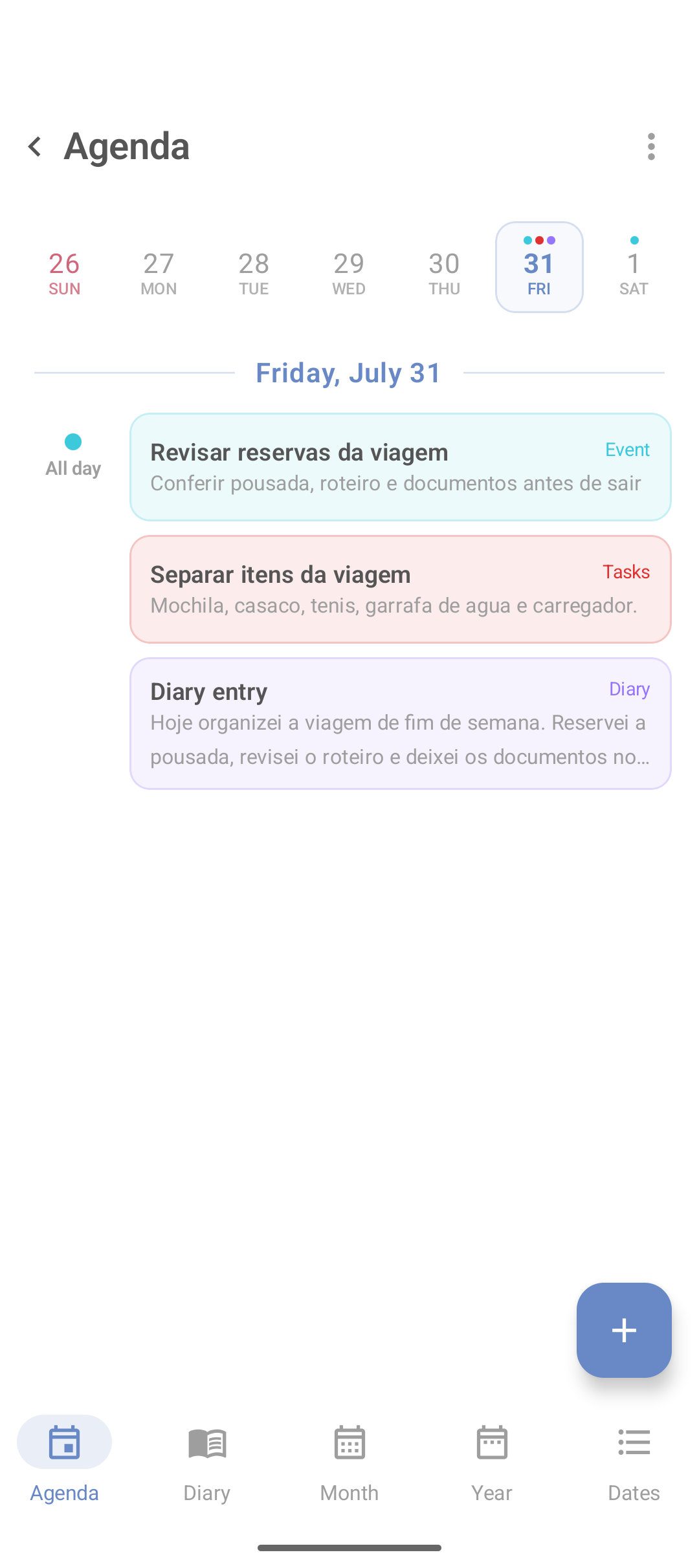
When done, mark the circle. Do not delete immediately if you want history.
If the reminder does not fire (Android checklist)
Practical verification order:
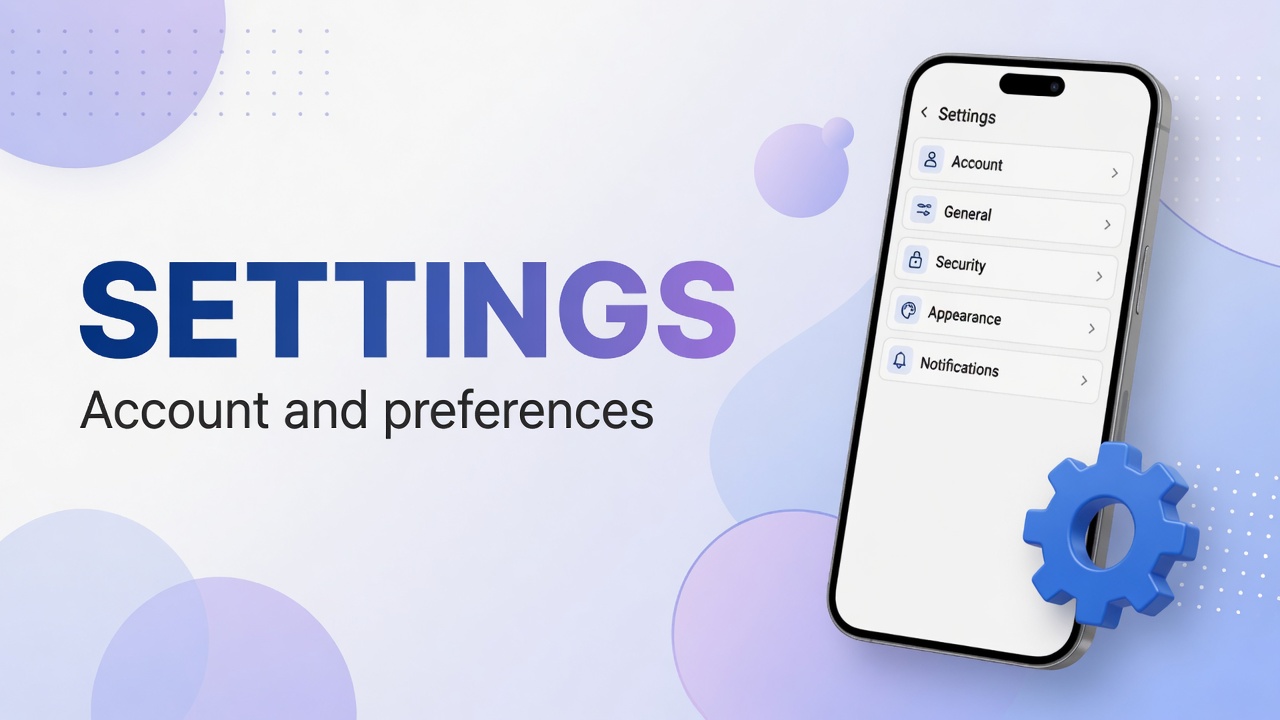
- In DicaNote: Settings → Notifications & Reminders — must be allowed (not Blocked).
- On Android: Settings → Apps → DicaNote → Notifications → reminder channel on.
- Battery: remove DicaNote from aggressive optimization / “pause app activity” if the system kills alerts.
- Do Not Disturb / Focus: system modes silence notices.
- Test: create a reminder for 2–3 minutes ahead, leave the screen on or only locked (do not force-stop the app).
Tip: use few strong reminders. Too many alerts become noise and you ignore the important commitment.
Best practices
- One task = one action.
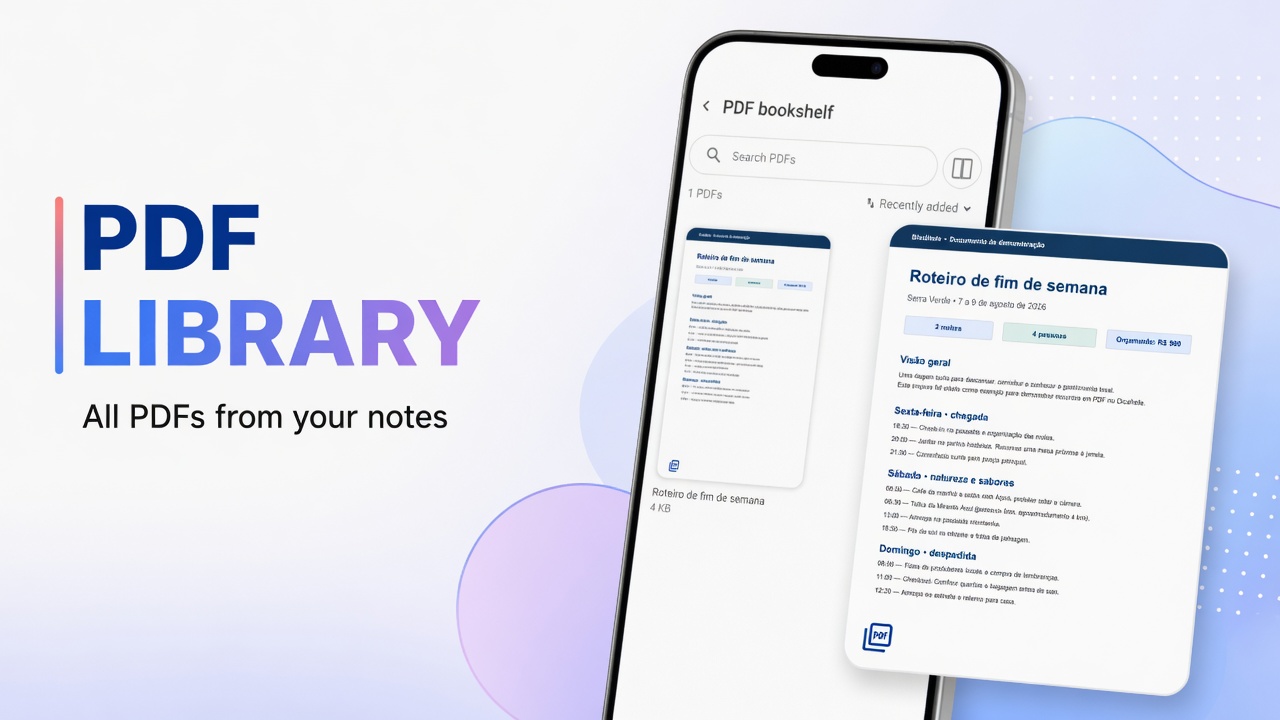
- Attach the PDF or screenshot on the same note.
- For day-to-day visual planning: Agenda and diary.
FAQ
What is the difference between date and reminder?
The date puts the task on the calendar. The reminder (bell) fires the notice at the configured time.
Can I complete without deleting the note?
Yes. Mark the circle and keep text and attachments.
Where do I see only tasks?
Shortcuts → Tasks, or a filter on Agenda if your version has one.
I tested and the notification never came. Now what?
Redo the permissions and battery checklist above. On an emulator notification behavior can be incomplete — validate on a physical device.