After recording or attaching audio from the device, the note shows a player: waveform, time and controls.
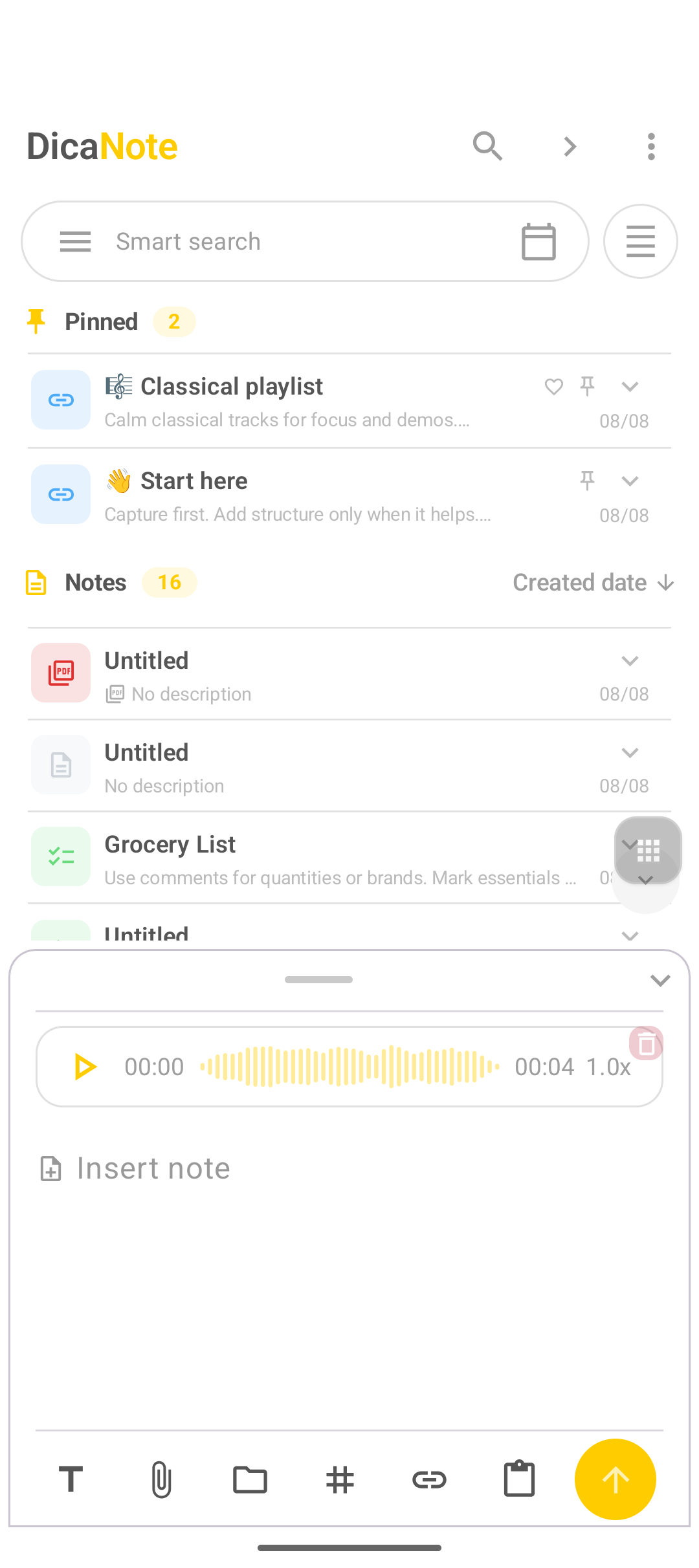
Play
- Open the note that has the audio / headphones icon in the list.
- Tap Play on the player.
- Tap again to pause.
- If there is a speed control (1.0x, 1.5x…), use it to listen to interviews faster.
- The player trash removes only the attachment (confirm if you do not want the file).
On home, some notes show a compact player on the list row — play opens without entering the full editor.
Audio on the list vs in the editor
| Where | What you see |
|---|---|
| List (home) | Preview, icon, sometimes quick play |
| Editor | Full player + text + other attachments |
Difference from Speech to text
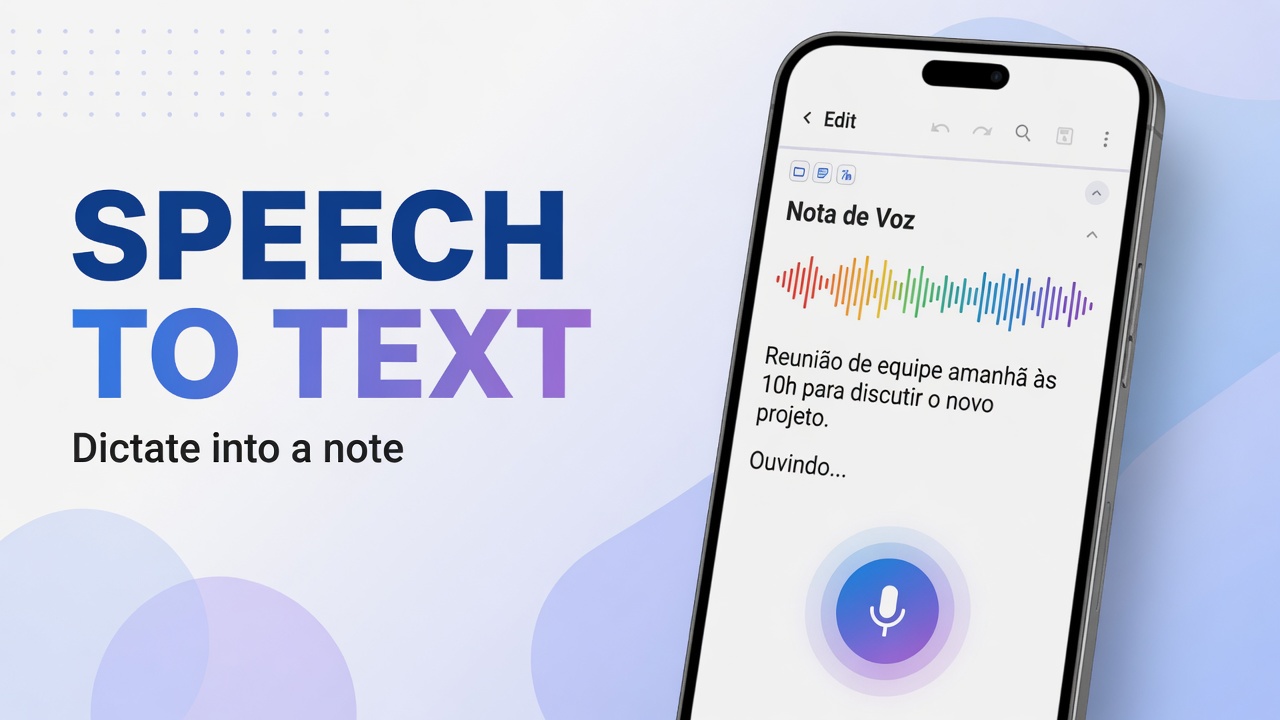
Playing a file ≠ dictation. Dictation: Speech to text. Recording a file: record audio.
Organization
- Title and one summary line help search.
- All files: Attachments.
- Backup before clearing large media.
FAQ
I hear nothing
Device volume, silent mode, connected headphones and media permission. Test another music app on the same phone.
Can I have two audio files on the same note?
Yes, if the version allows several attachments. Use Add more or the paperclip again.
Does audio play with the screen locked?
Depends on Android and the app’s background policy. For long listening, leave the note open or use the system player if you exported the file.