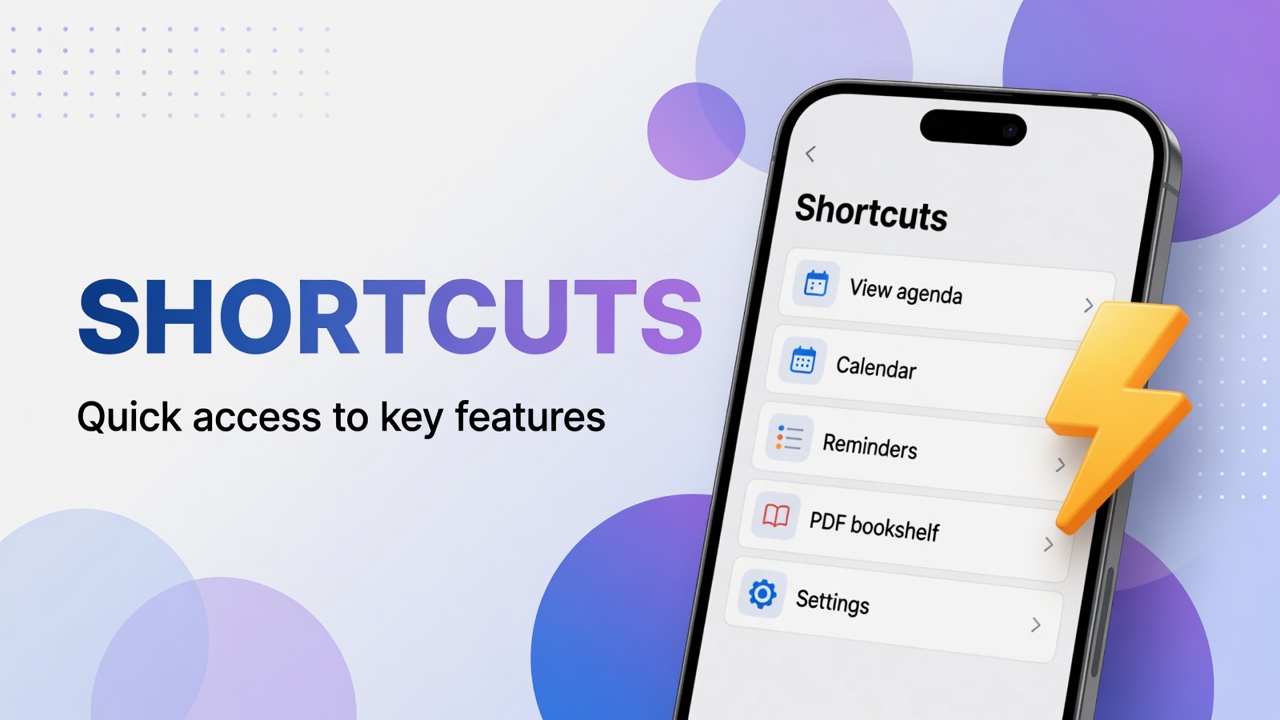
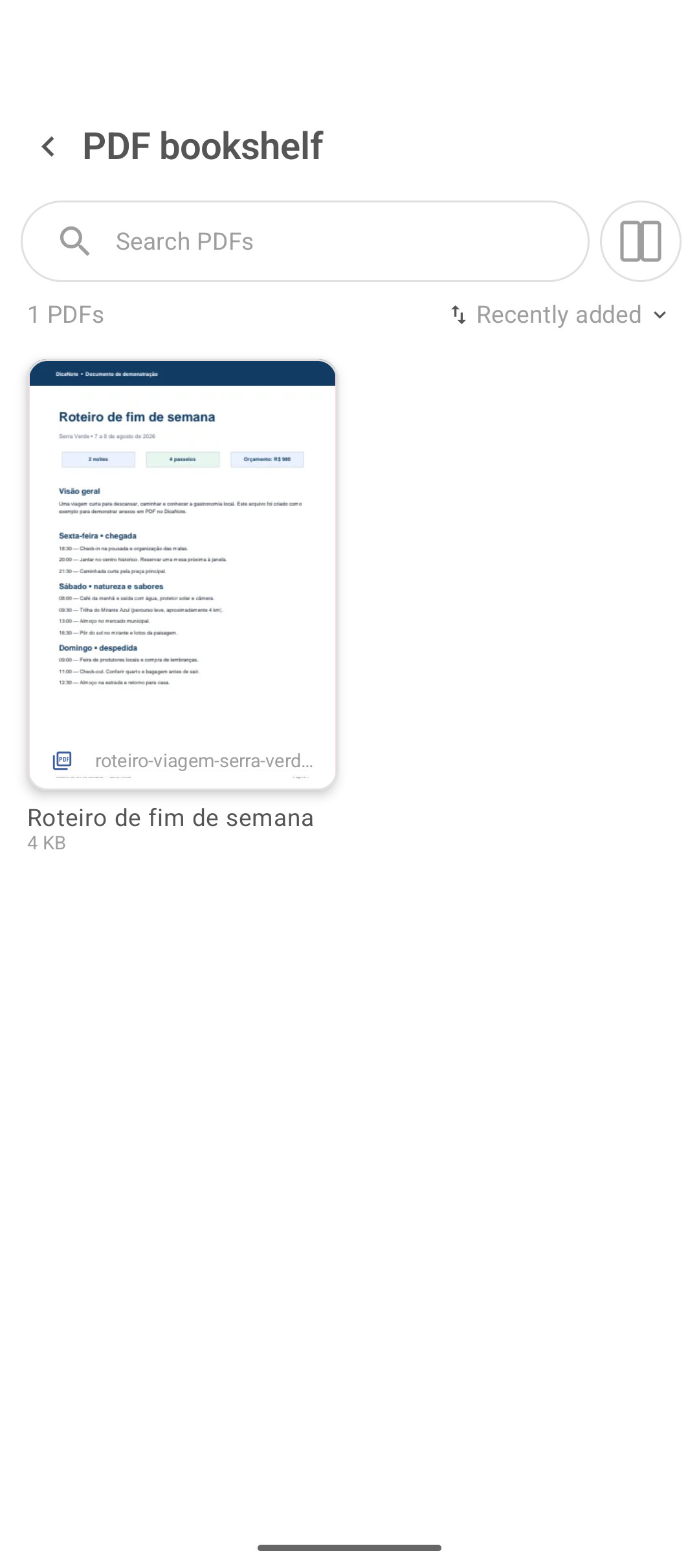
Contracts, handouts, receipts and e-books become attachments. The PDF bookshelf in the main menu lists those files together, like a shelf.
Open the bookshelf
- Tap ⋮ on home.
- Tap PDF bookshelf.
- Scroll the list, search if there is a search field, and open the document.
How the PDF gets there
| Source | Guide |
|---|---|
| File from the phone (paperclip) | Attachments |
| Paper scanned as PDF | Scan document |
| Batch import | Import / Export |
After it is saved on the note, the file appears on the bookshelf.
Reading and context
Open the viewer by tapping the item. On the parent note keep:
- why the document matters;
- protocol number or date;
- link to the project note.
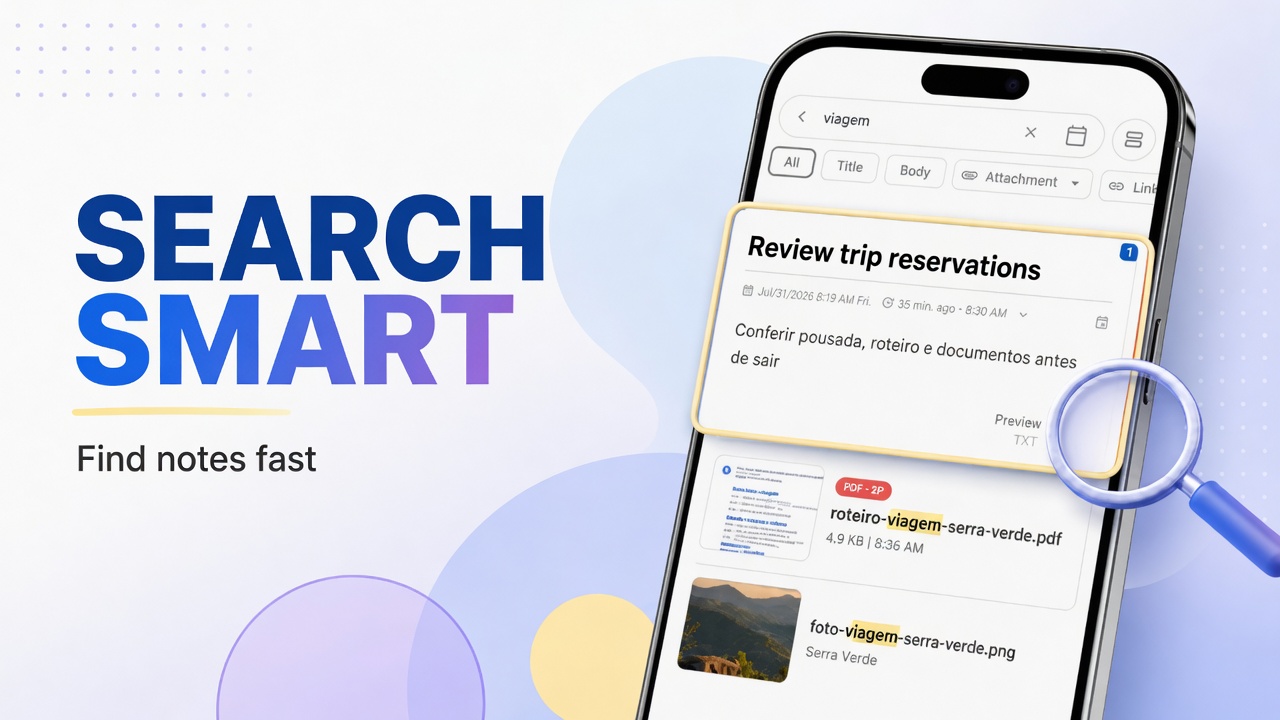
Smart search picks up note text better than OCR on a scan — summarize in one line.
Attachments vs PDF bookshelf
- Attachments — photos, audio, video, PDF, everything mixed.
- PDF bookshelf — PDF only, for people who live on documents.
Cleanup
Duplicate PDF: open both notes and use Find Duplicates or merge if the text is the same. Wrong file: remove the attachment and check the trash if you deleted the whole note.
FAQ
Can I have a PDF without a note?
The app model is note + attachment. Create a short note just for the file if you need to.
Does a 2-page scan become one PDF or two?
With PDF document, one multi-page file (e.g. PDF · 2P indicator on the note).
Does the PDF go into backup?
Treat it as part of the library and validate with a test restore. Guide: backup.
Can I annotate on top of the PDF?
Depends on the version’s viewer. If there is no markup, use a sibling note with comments and an internal link.