With a few notes, the list is enough. With dozens, you need big folders (categories), fine labels (tags), top shortcuts (pinned) and search.
Practical rule: category = where the topic lives. Tag = a trait that appears in many places.
Panel next to search
On home, tap the menu/folder icon next to Smart search. Common tabs: recents, categories, tags.
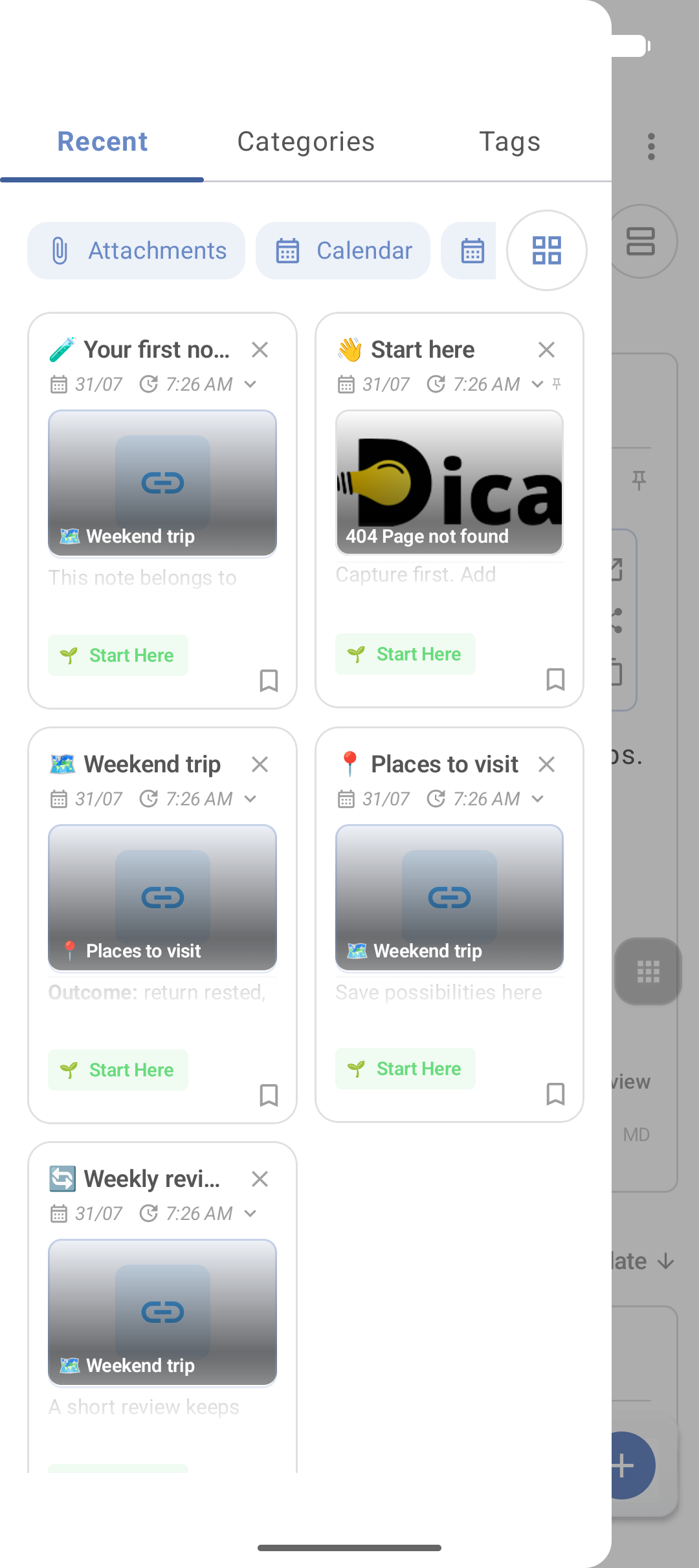
Full folders page: Categories. Shortcut: Shortcuts → Categories / Tags.
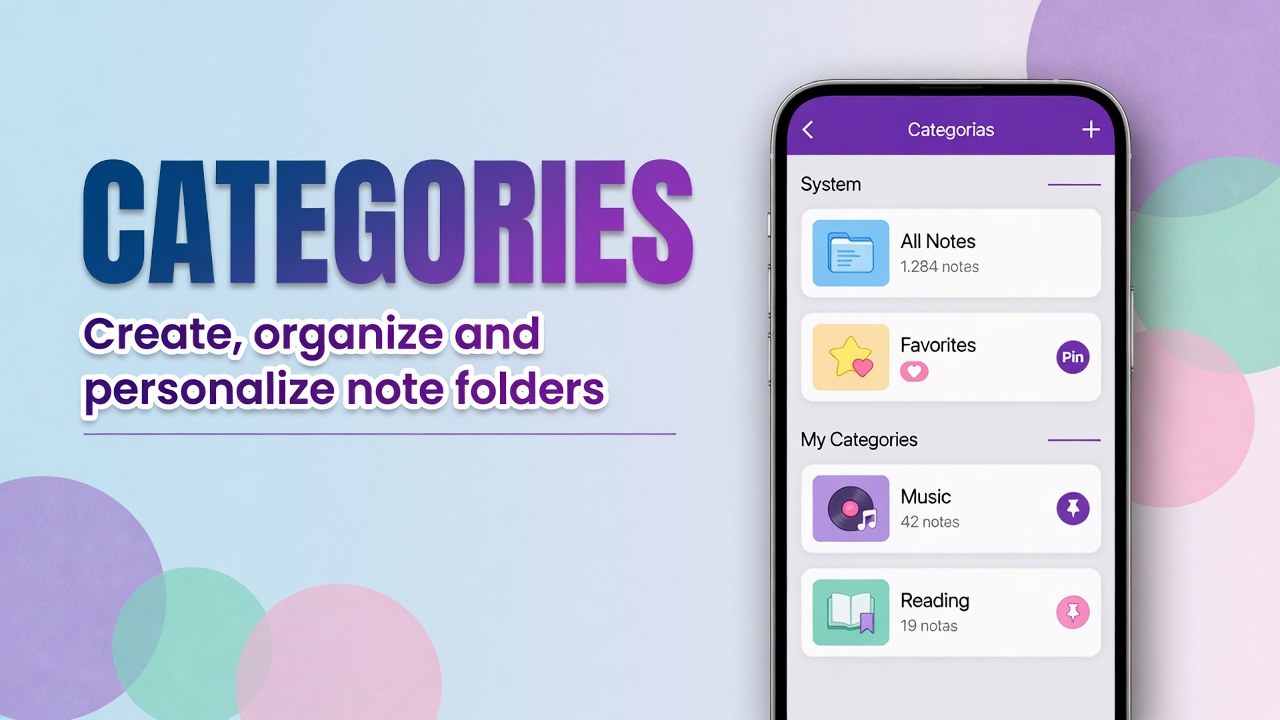
Categories
Stable examples: Work, Study, Home, Travel, Finance.
- Open the note.
- Tap the folder on the bottom bar.
- Choose or create the category (name, emoji, color, if the version allows).
- Save.
Avoid a four-level tree. One category and at most one subfolder is usually enough.
Tags (#)
Use for what crosses categories: #urgent, #receipt, #idea, #client-x.
- In the note, tap #.
- Add the tag.
- Always reuse the same spelling (
#receipt, not#Receiptone day and#invoicethe next, if you want them filtered together).
Pin and favorite
- Pin — note in the Pinned block on top.
- Favorite — marks without necessarily moving the block.
Details: favorite, pin and layout.
Search
Smart search at the top. Works best with a clear title and one readable line of text. Audio and video without a caption disappear from search — summarize in text.
Cleanup
- Merge drafts on the same topic.
- Trash for what you do not need (30 days).
- Find Duplicates in the menu if the library filled with copies.
Example
Note “Gramado trip” in category Travel, tags #hotel and #itinerary, pin while the trip is ongoing. Child notes “Packing” and “Bookings” with internal links.
FAQ
Category or tag?
Category = topic folder. Tag = cross-cutting filter (urgent, document type).
How many categories should I create?
Few enough to fit in your head. If you cannot remember the name, it is one category too many.
Does a note without a category disappear?
No. It stays in the general list and in search. Category only organizes.
Map of all tutorials: complete DicaNote guide.