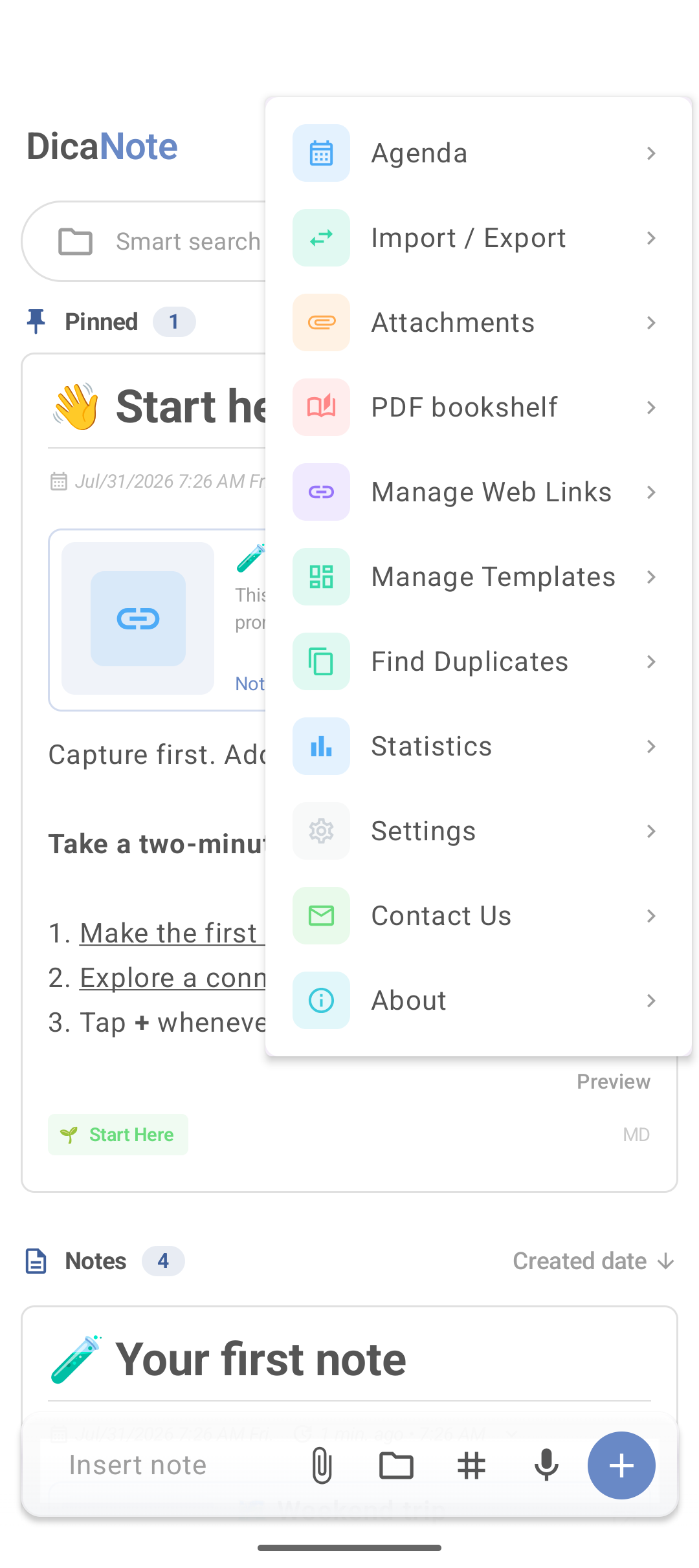
Imports, sharing the same text twice or “saving again just in case” create duplicates. The DicaNote menu has Find Duplicates to list candidates.
Open the tool
- On home, tap ⋮.
- Tap Find Duplicates.
- Review the pairs or groups the app shows.
- Open the notes, compare content and decide.
What to do with each copy
| Situation | Action |
|---|---|
| Same text, one has an attachment | Keep the one with the file; trash the other |
| Two drafts of the same topic, different text | Merge or copy the good part into one |
| Same title, distinct content | Rename; not a real duplicate |
| Test copy | Trash |
The tool finds. It does not delete on its own — the decision is yours.
Before cleaning the library
- Backup.
- Run Find Duplicates.
- Use bulk selection to tag or delete groups.
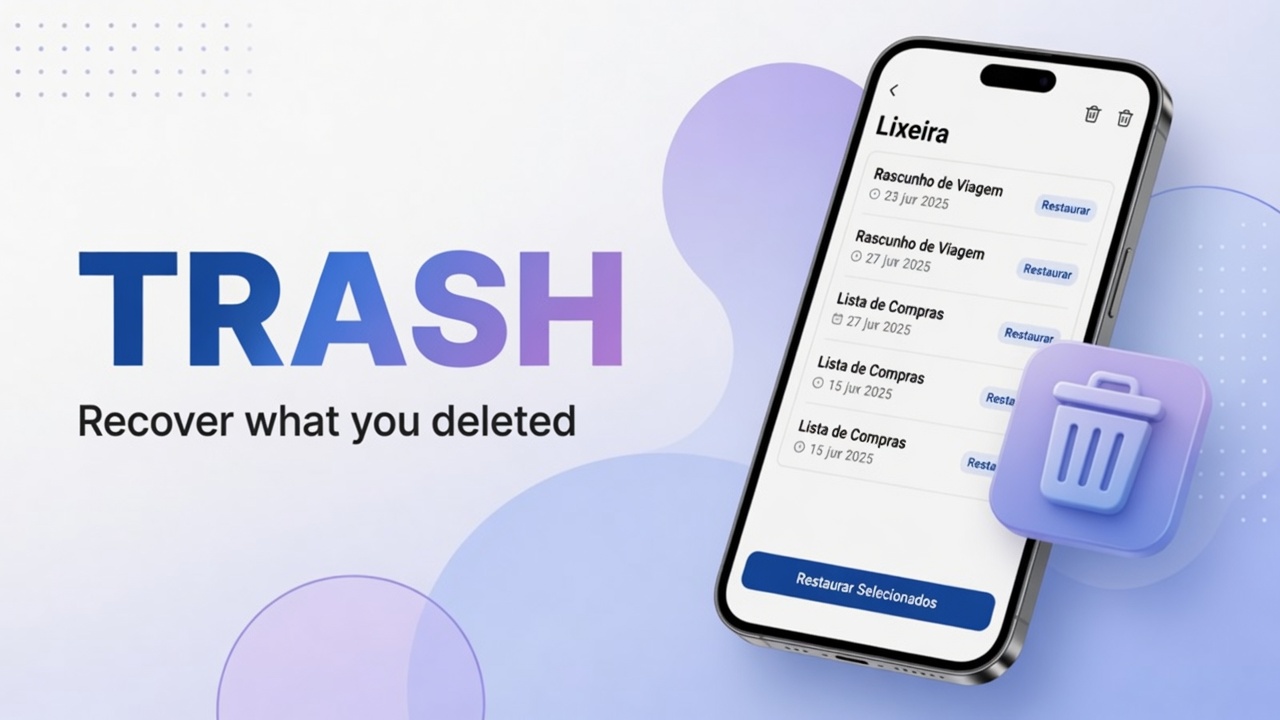
- Check Trash if you sent something extra.
Tip: if the app does not list a pair you know exists, search by title in search and compare by hand. Duplicate algorithms miss near-identical notes with different dates.
FAQ
Does Find Duplicates delete automatically?
No. It only helps you find. Deletion or merge is a separate step.
Do PDF duplicates count?
Depends whether the app compares only note text or attachments too. When unsure, open both notes and check the file.
Where is it in the menu if I do not see it?
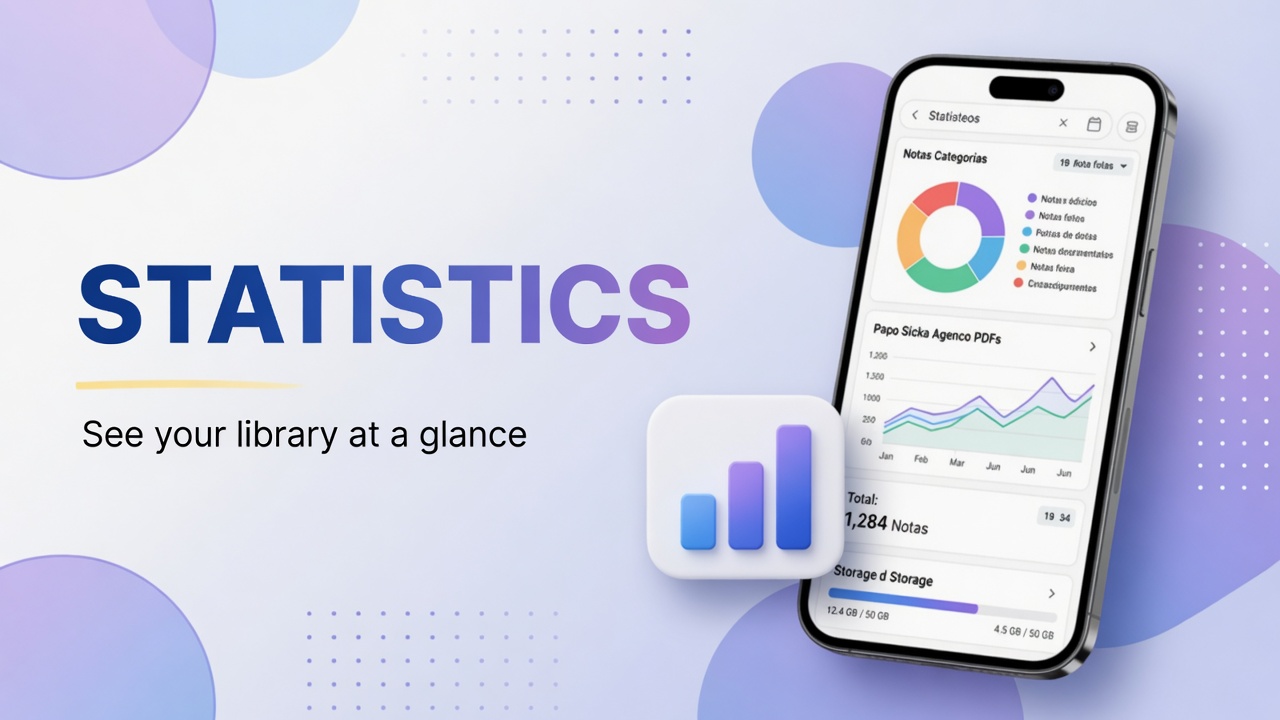
Scroll the main menu. On some versions the item sits between Manage Templates and Statistics.
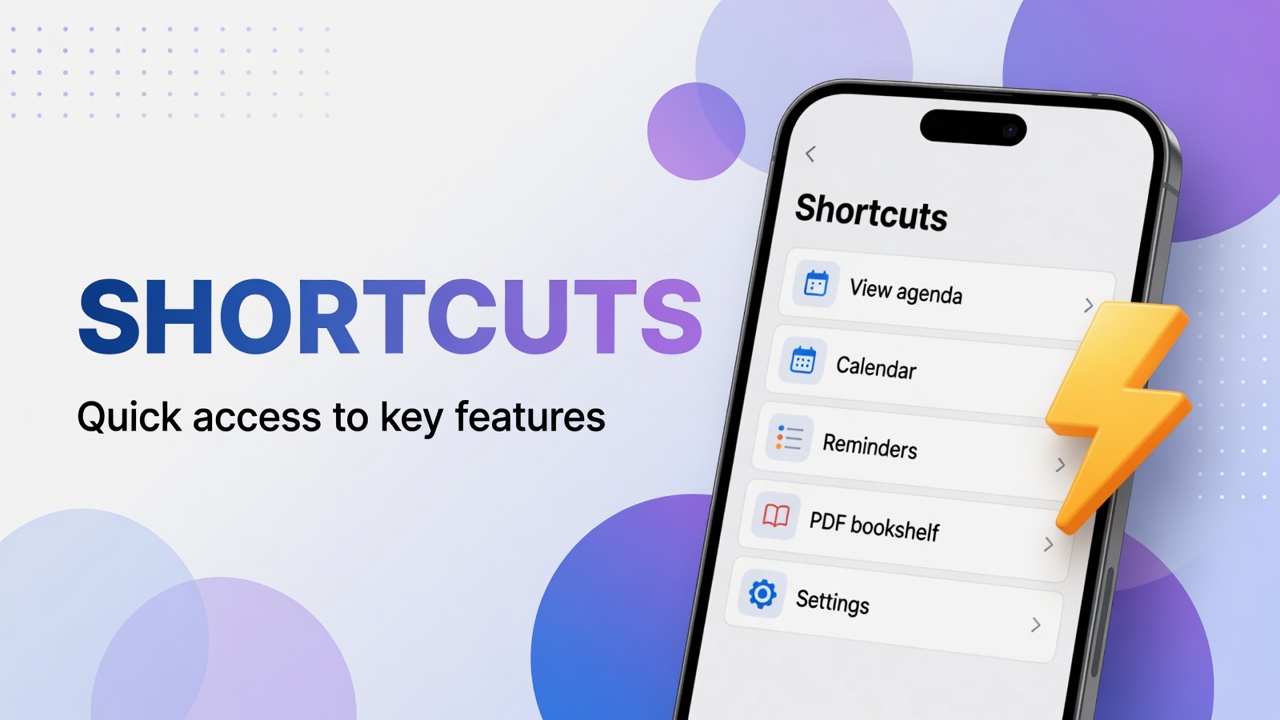
Menu map: features, backup and security.